Desktop homepage hero, “Ready to go? Let’s get you there.,” with a single search for flight, airline or destination and Departing, Arriving and Parking modes.
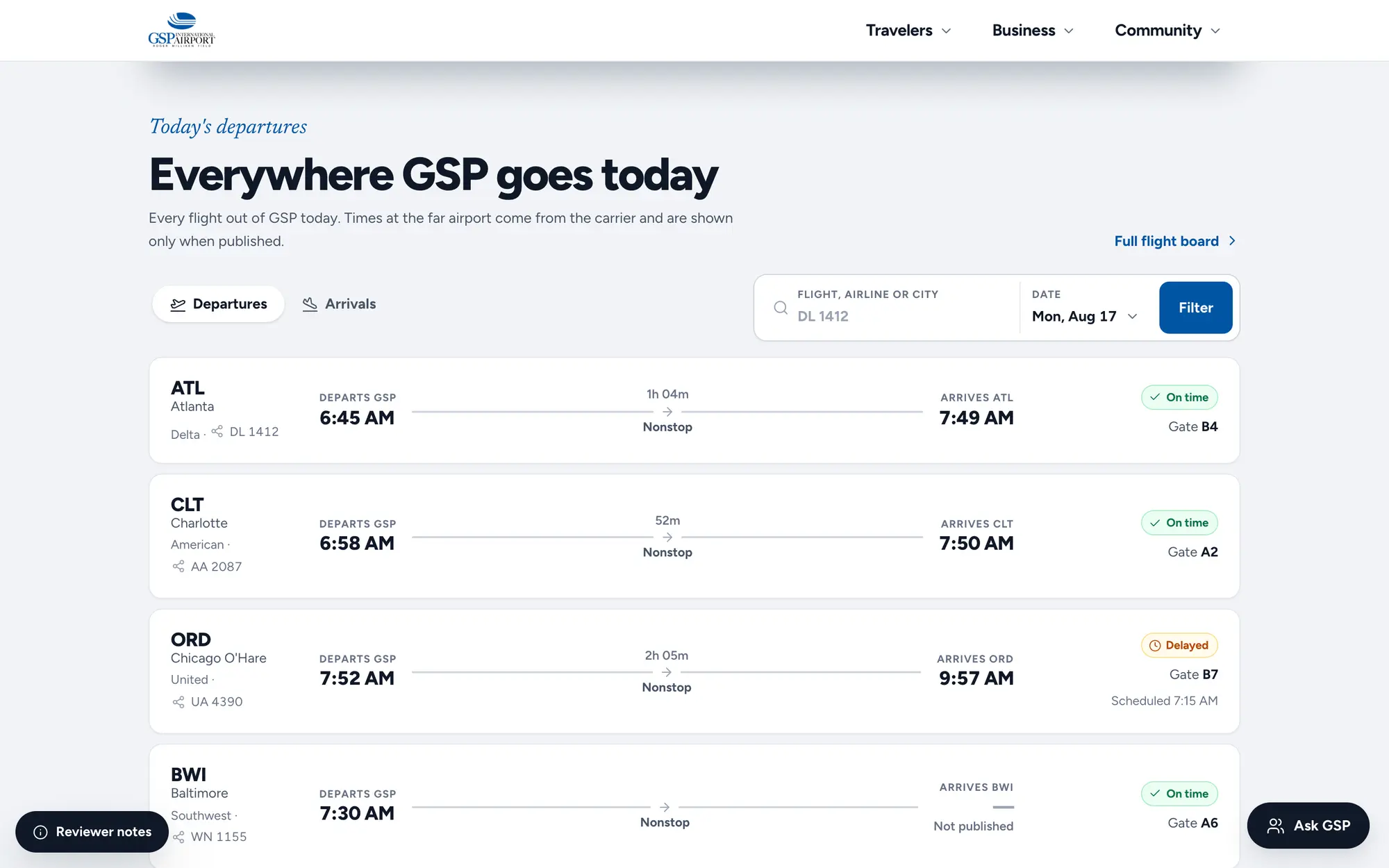
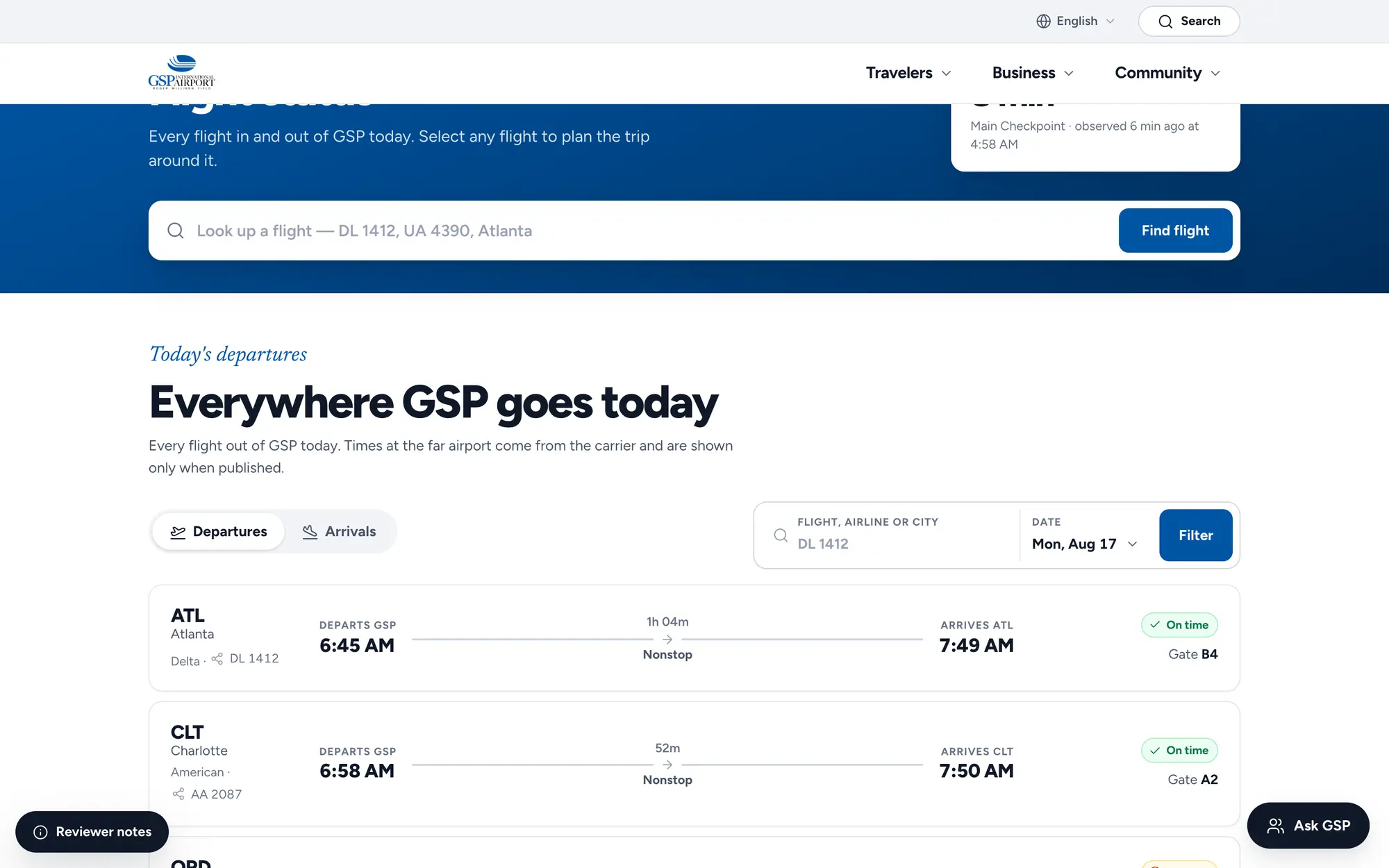
Desktop departures board, “Everywhere GSP goes today,” listing each flight’s times, gate and on-time, delayed or boarding status.
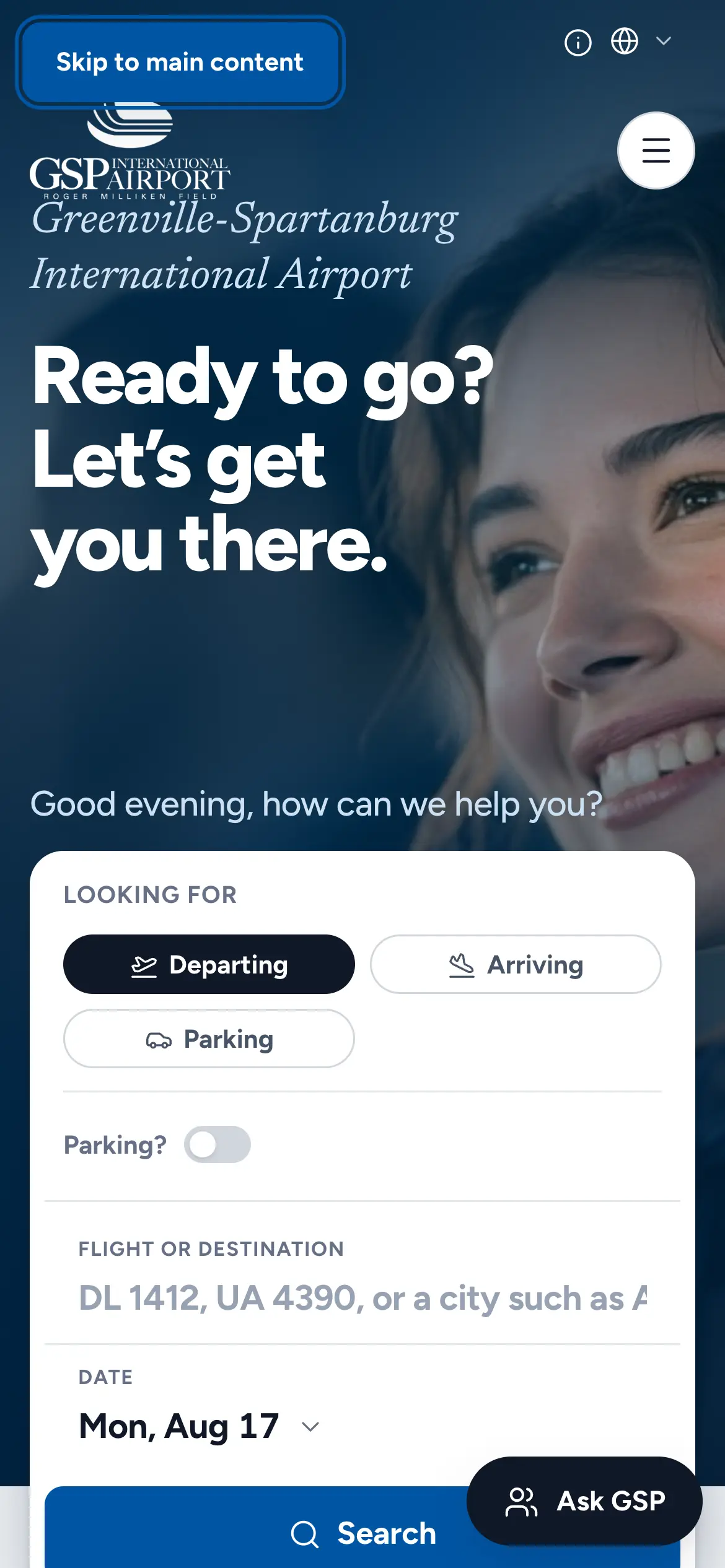
Mobile homepage hero, “Ready to go? Let’s get you there.,” with the flight search card stacked above the fold.
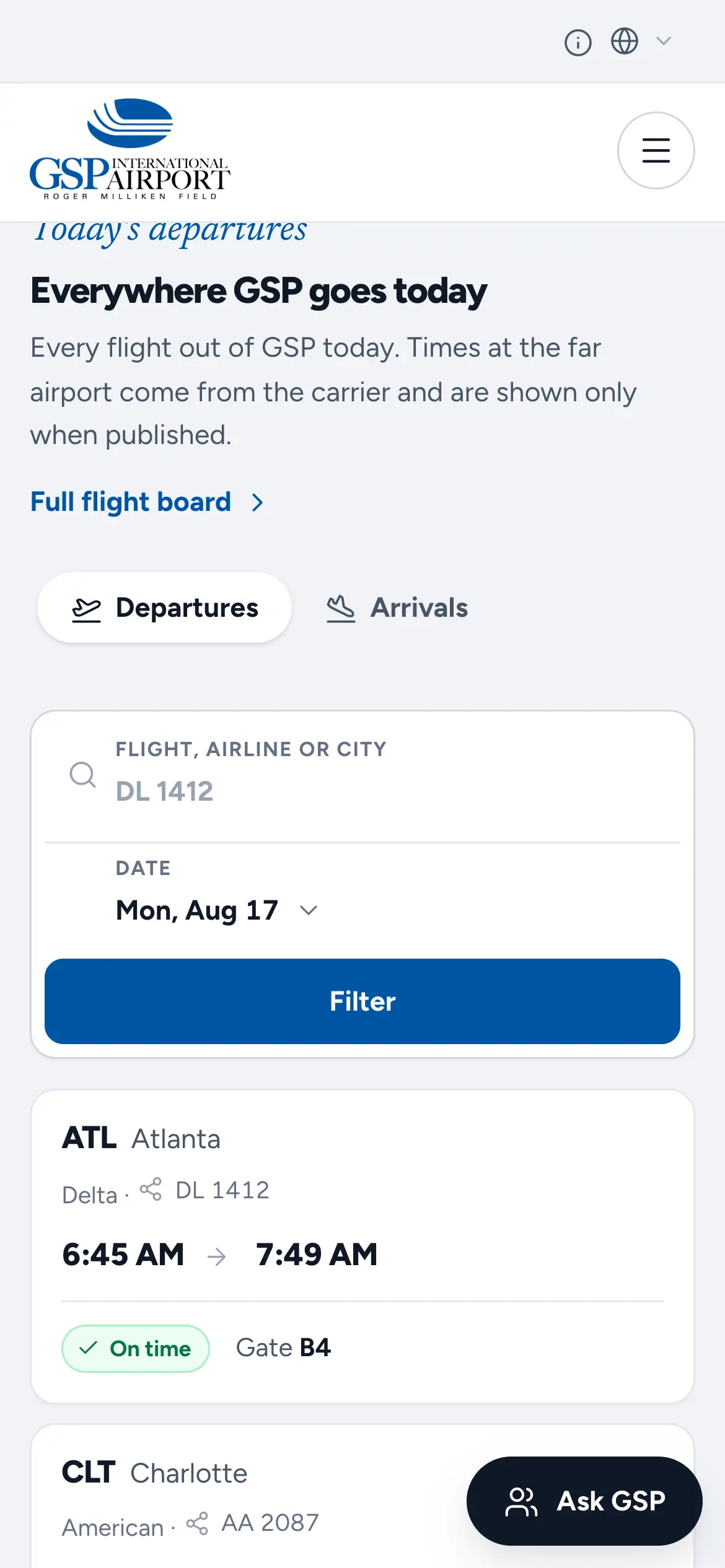
Mobile departures board with Departures and Arrivals tabs, a flight filter and the first flight cards.
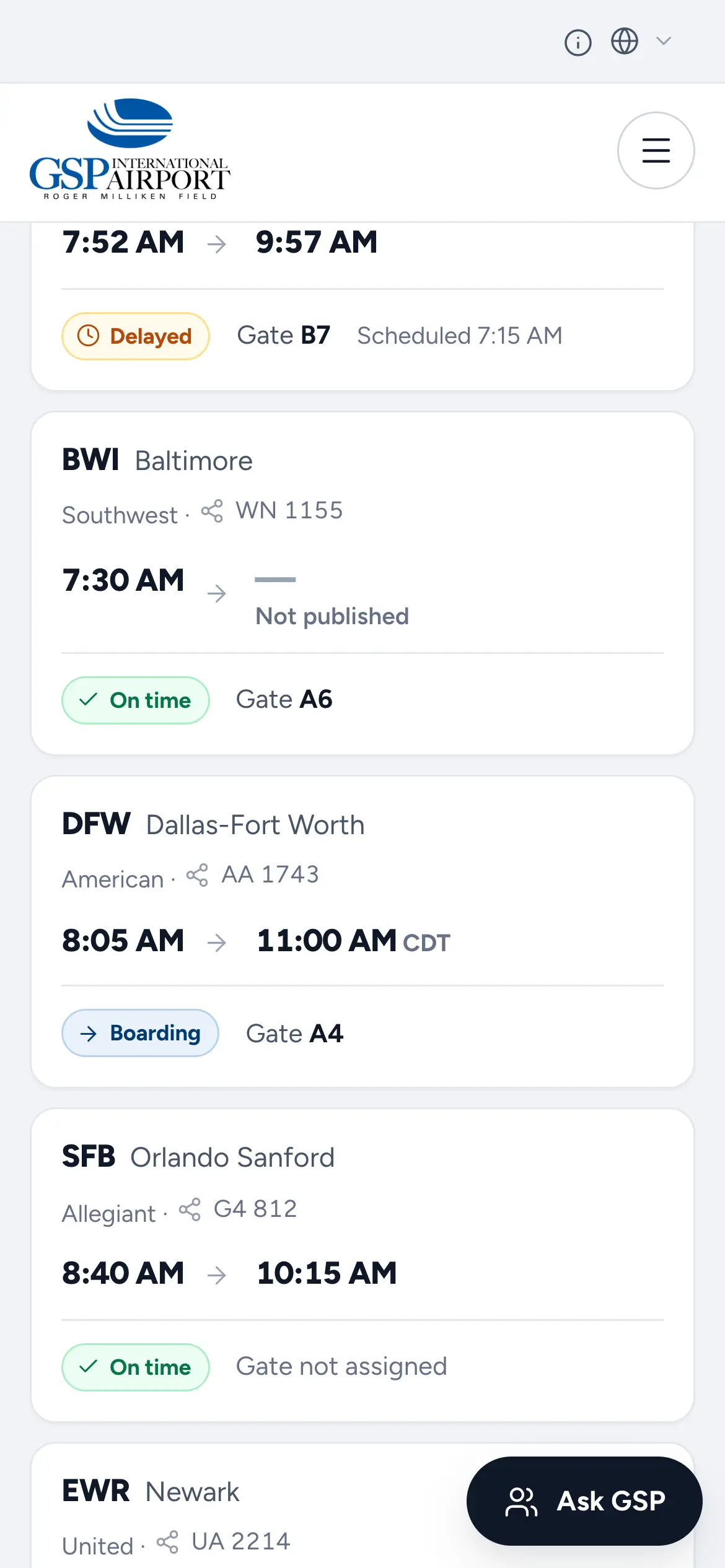
Mobile flight cards with delayed, on-time, cancelled and boarding statuses and gate numbers.
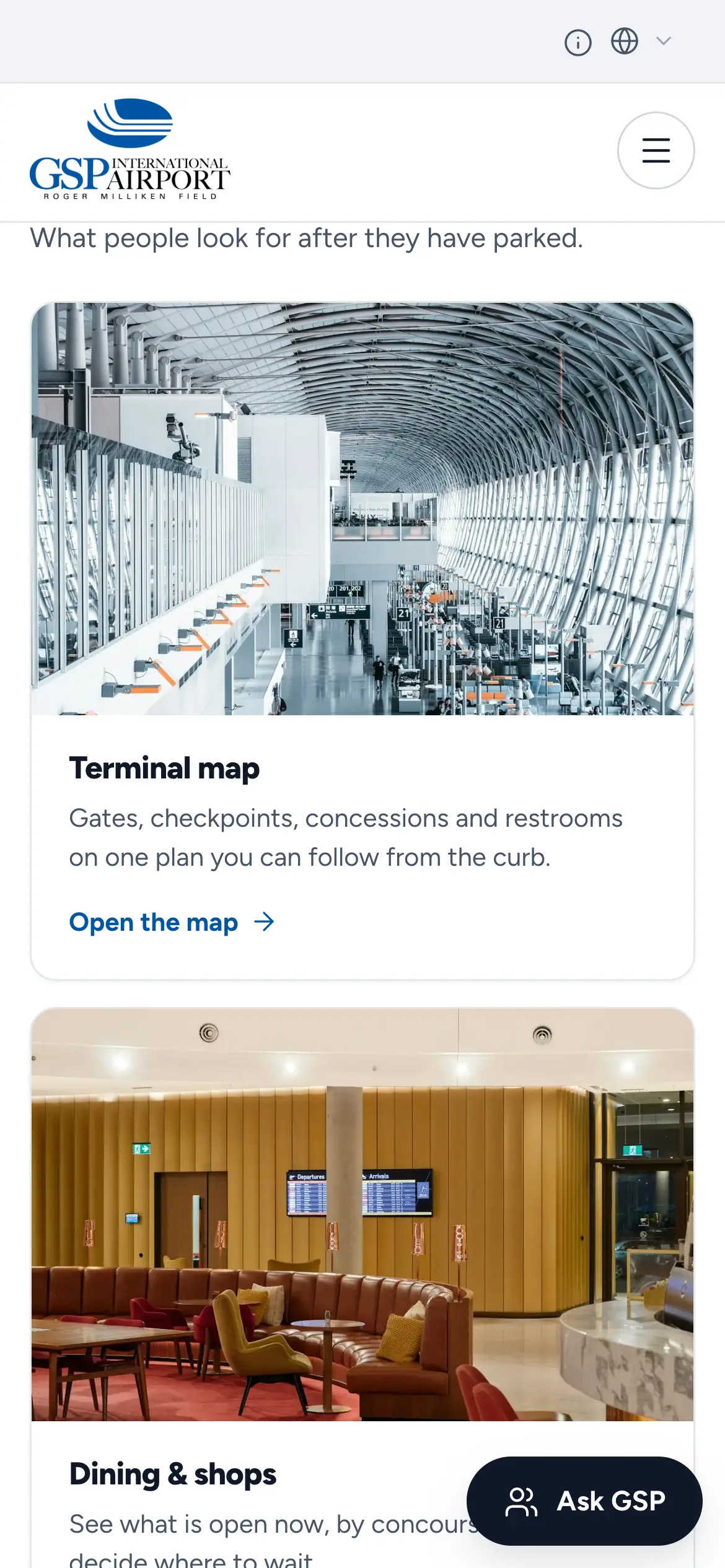
Mobile “Past the checkpoint, still on your side” guide with terminal map and dining & shops cards.
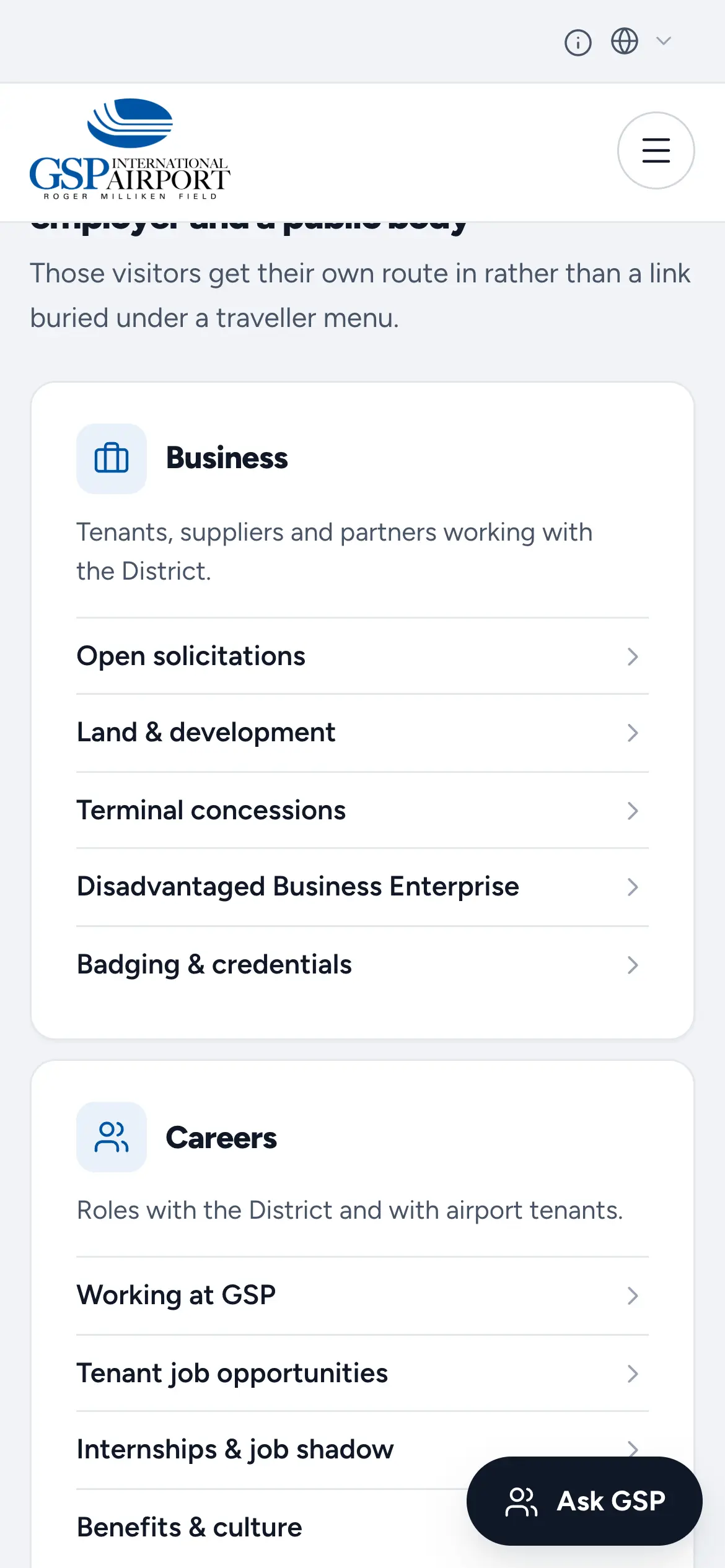
Mobile Business and Careers link groups, from open solicitations and land development to tenant jobs and internships.
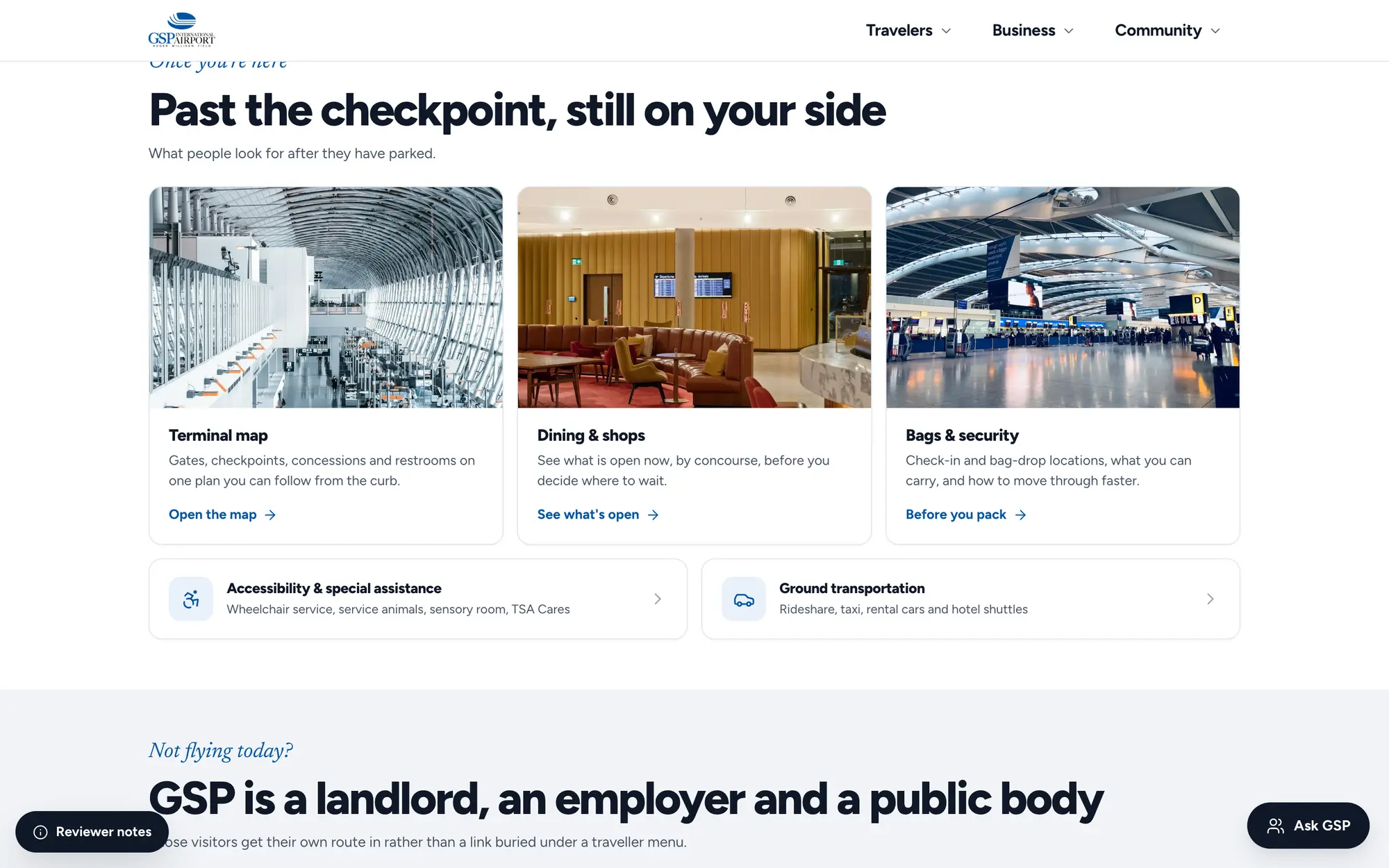
Desktop “Past the checkpoint, still on your side” section with terminal map, dining & shops and bags & security cards.
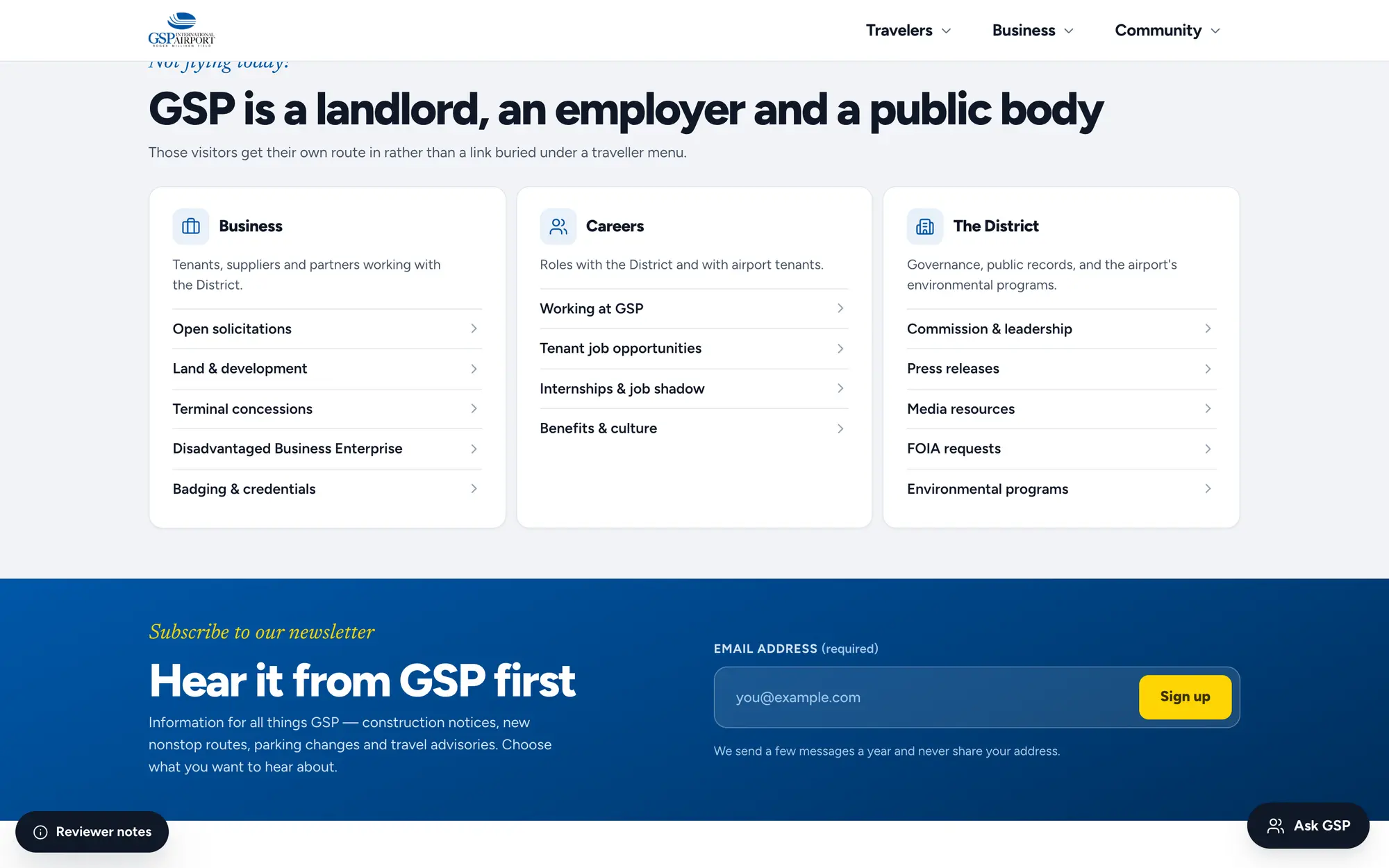
Desktop “GSP is a landlord, an employer and a public body” section, splitting Business, Careers and The District into link groups.
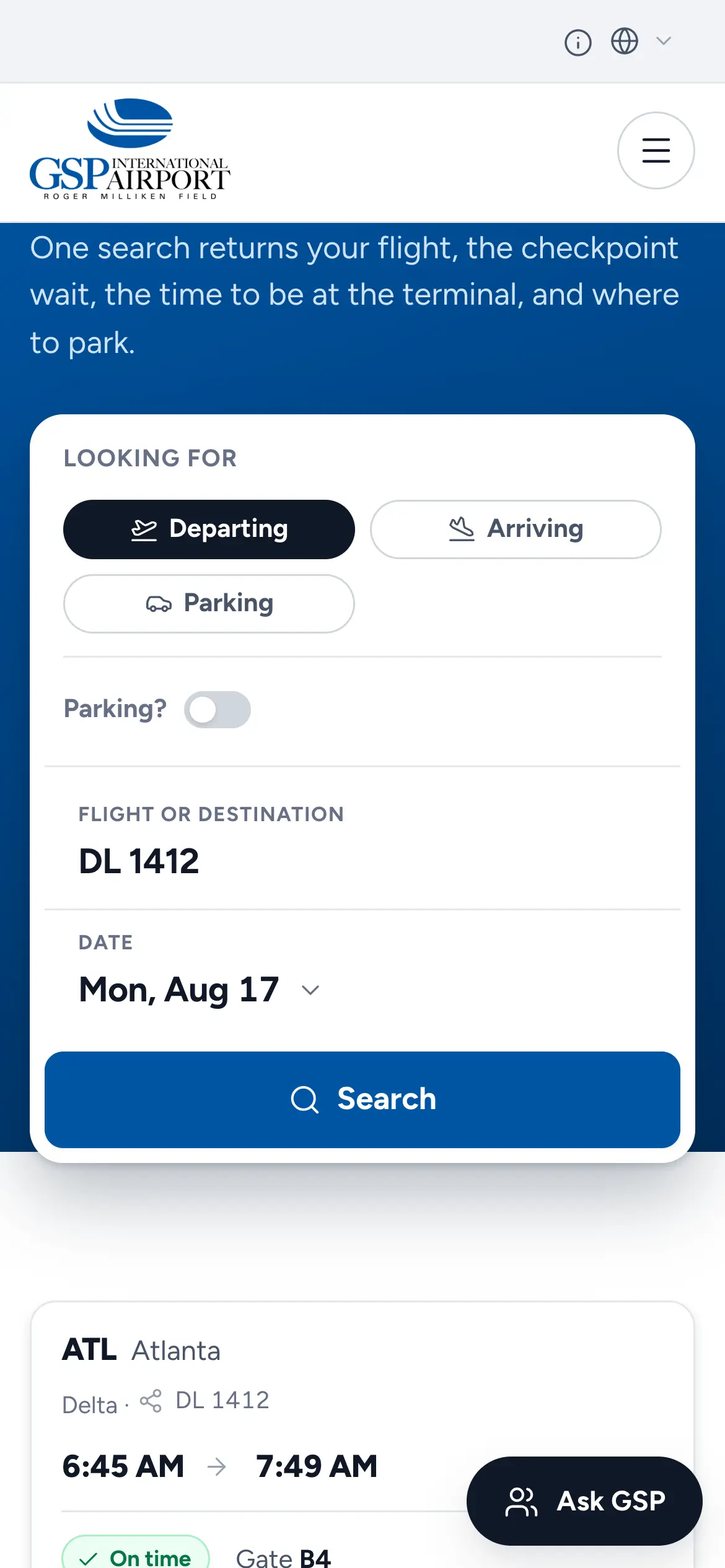
Mobile trip planner search, “One search returns your flight, the checkpoint wait, the time to be at the terminal, and where to park.”
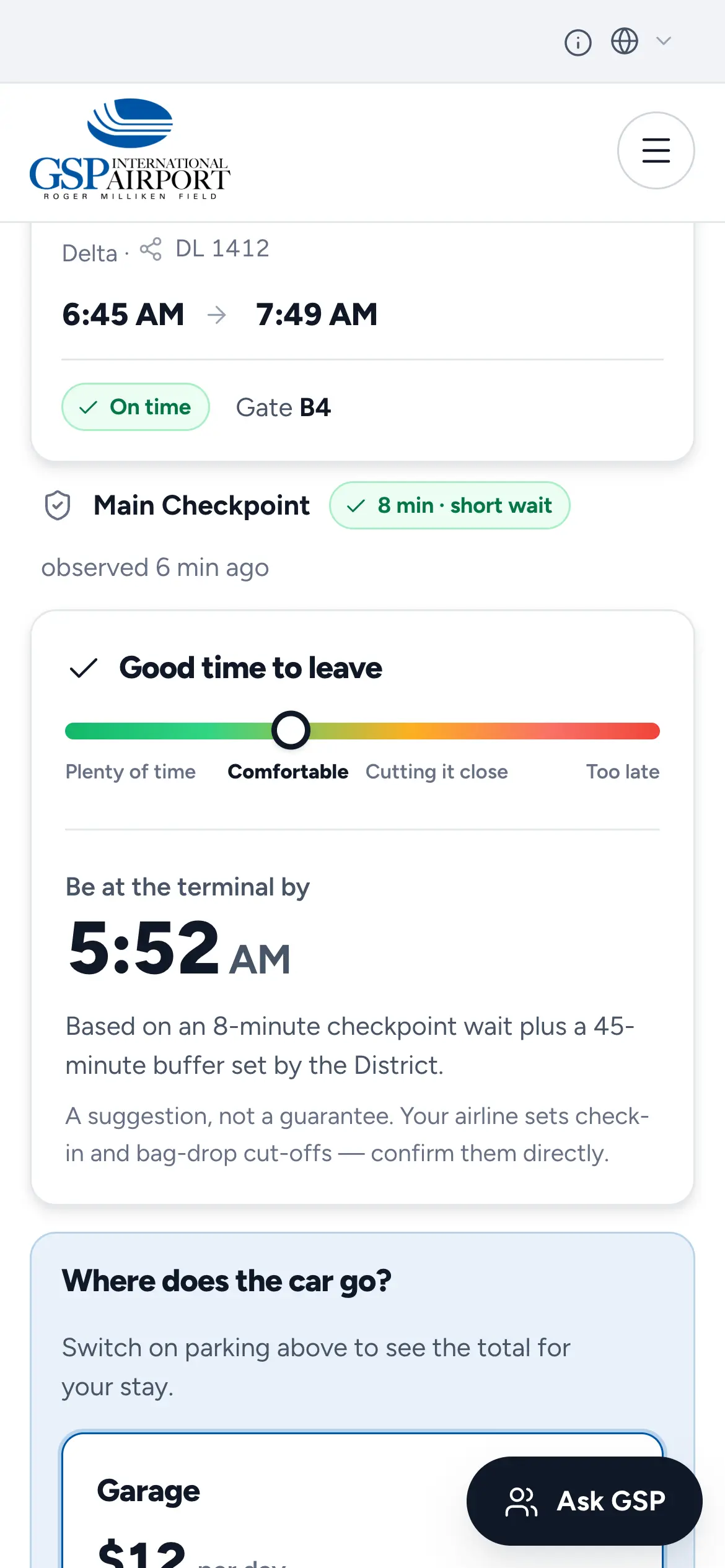
Mobile “Good time to leave” gauge recommending arrival at the terminal by 5:52 AM, based on the current checkpoint wait.
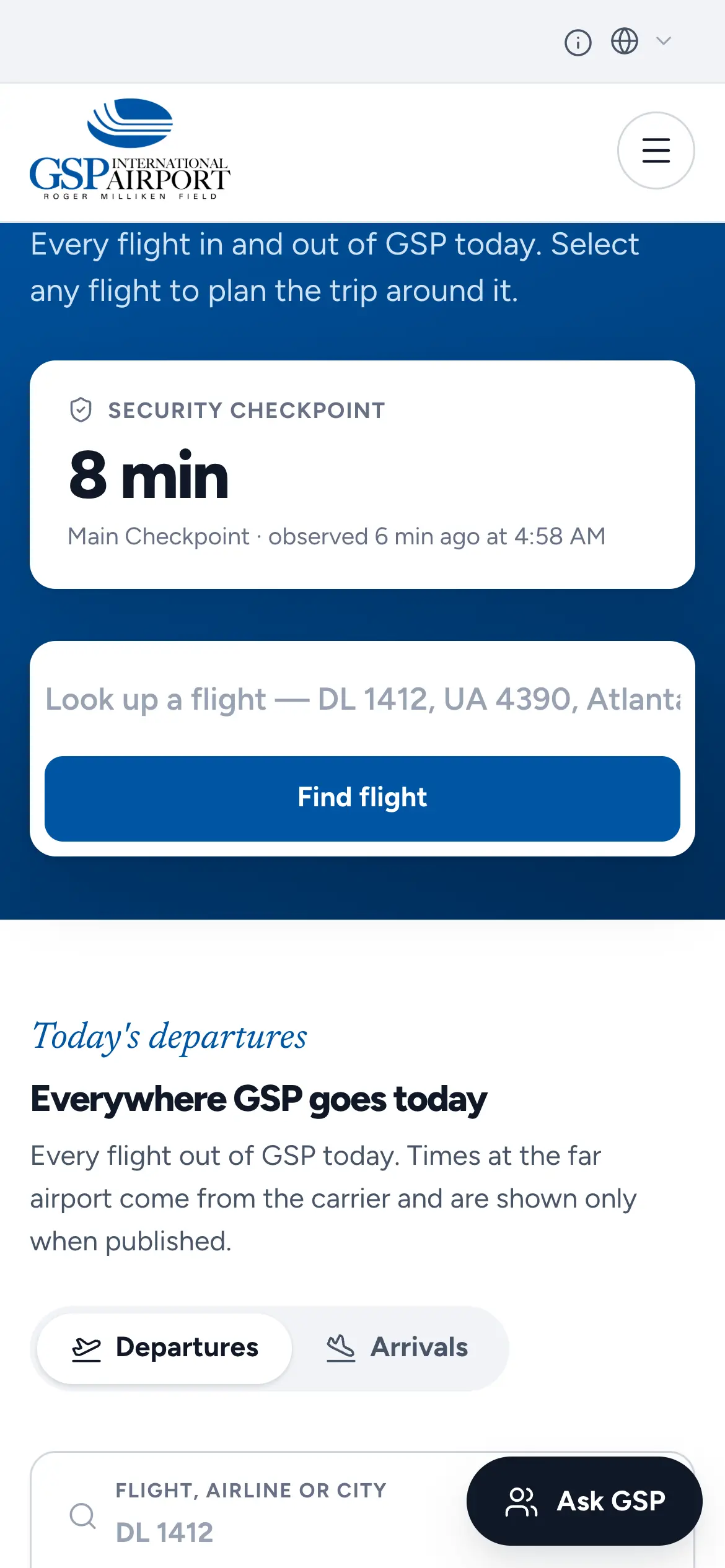
Mobile security checkpoint card showing an 8-minute wait at the main checkpoint above the flight lookup.
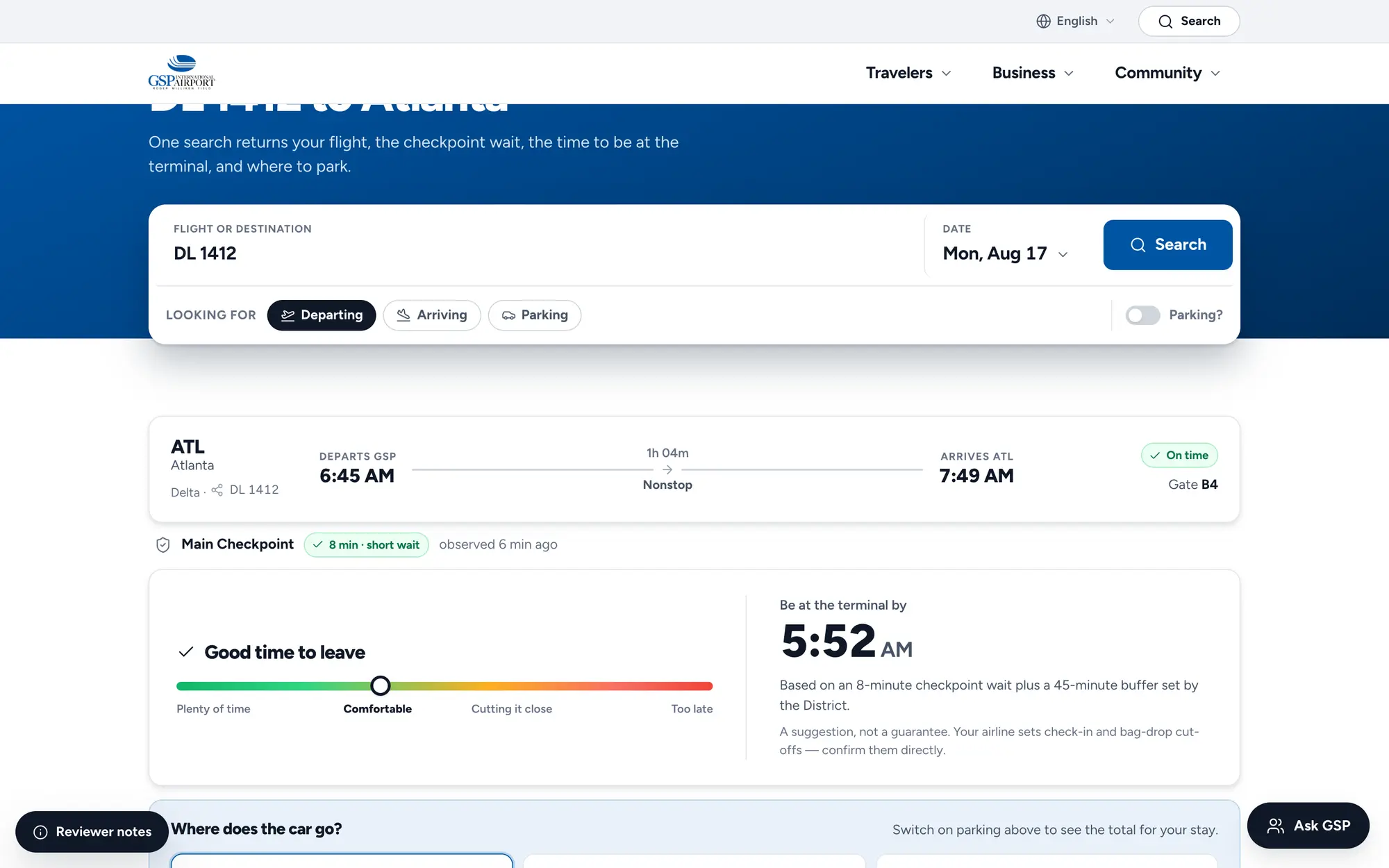
Desktop trip planner, “DL 1412 to Atlanta,” with the flight card and main checkpoint wait under the search.
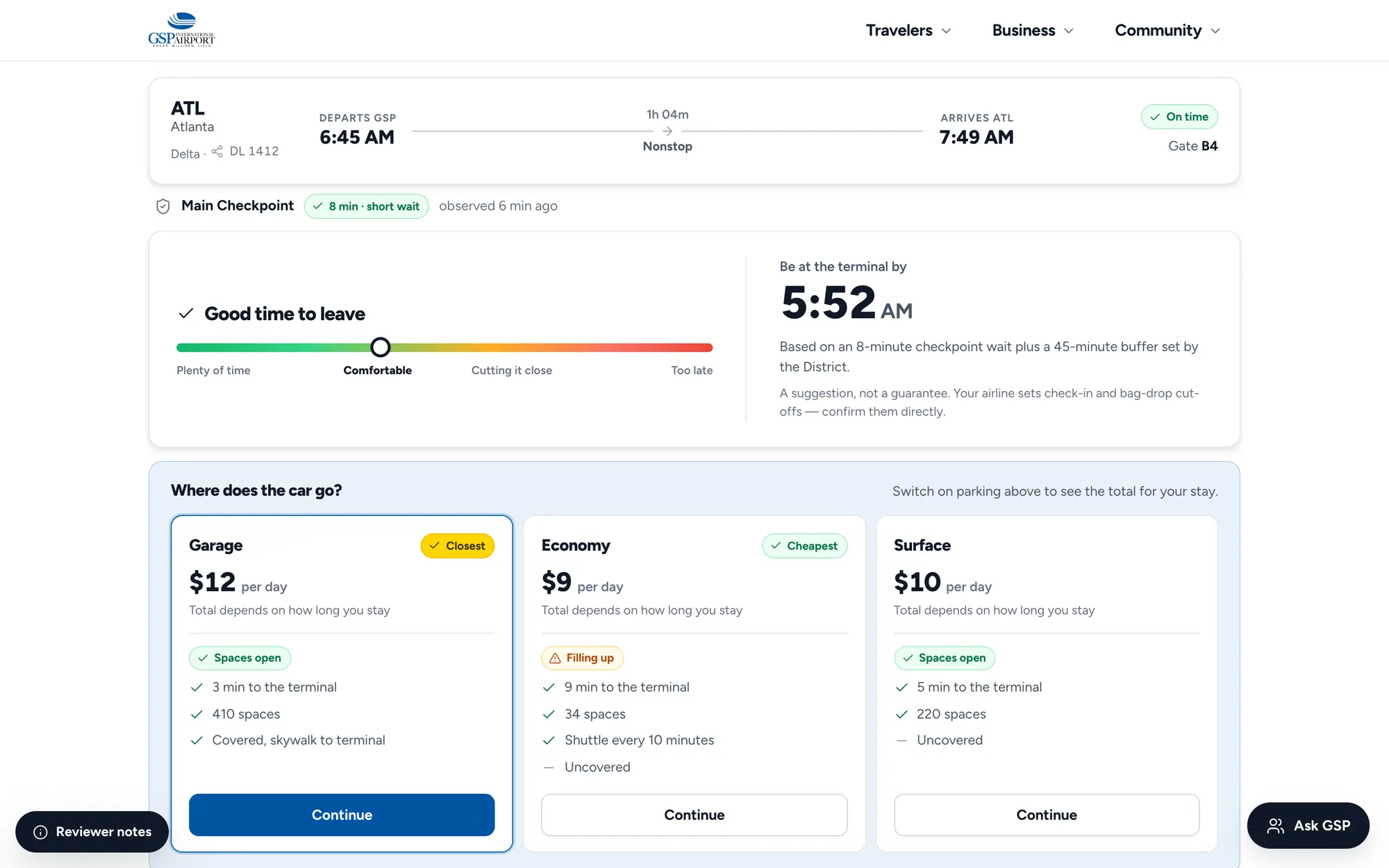
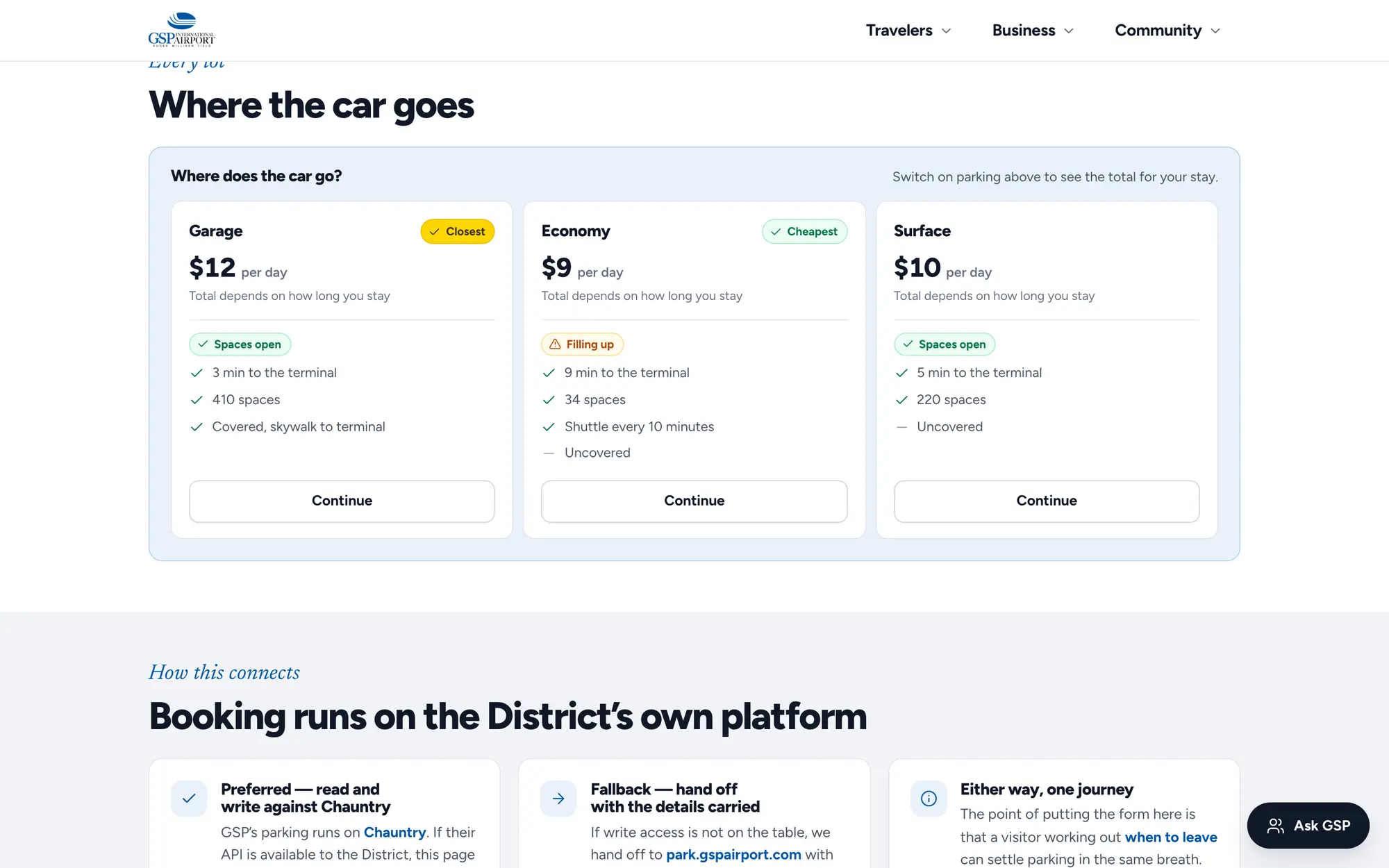
Desktop time-to-leave gauge and “Where does the car go?” parking cards for garage, economy and surface lots.
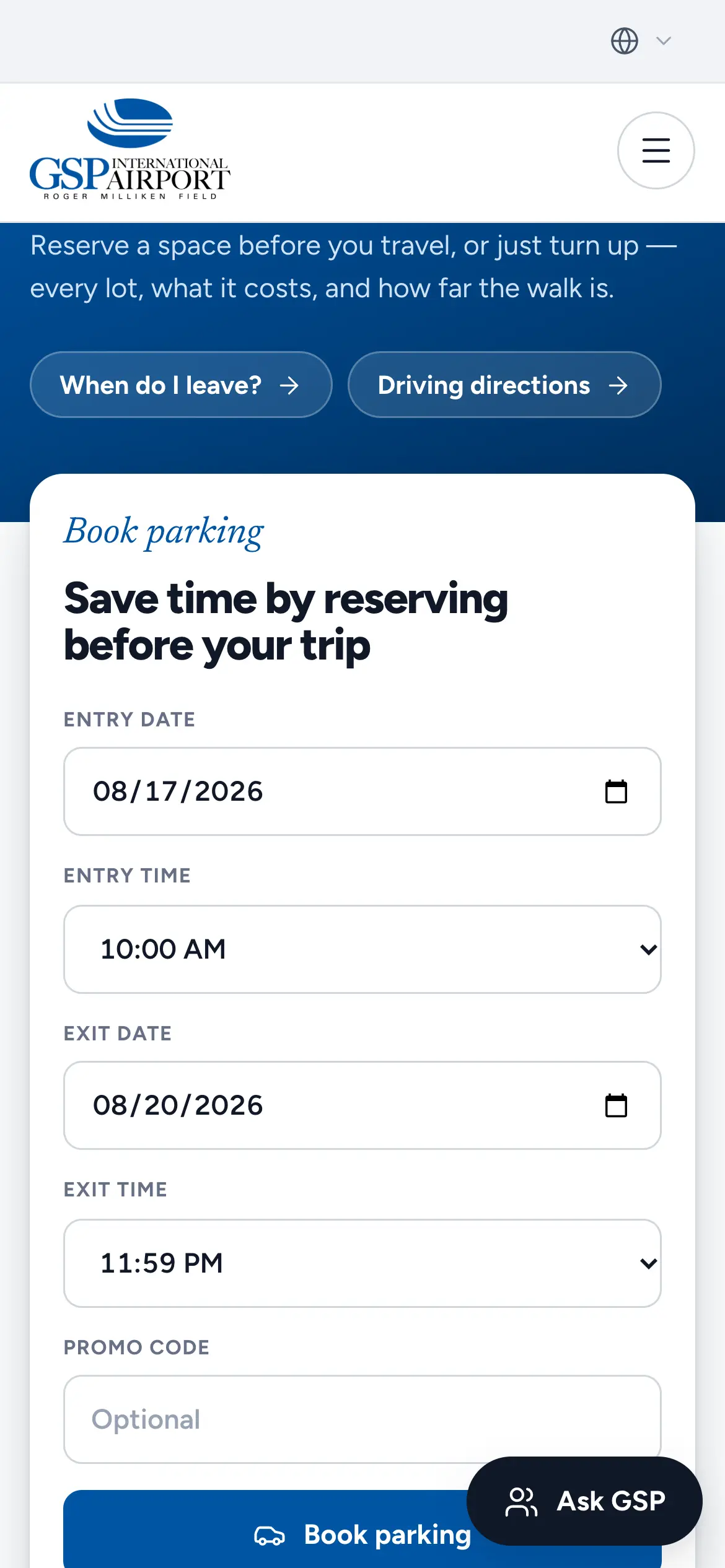
Mobile parking reservation form, “Save time by reserving before your trip,” with entry and exit dates and times.
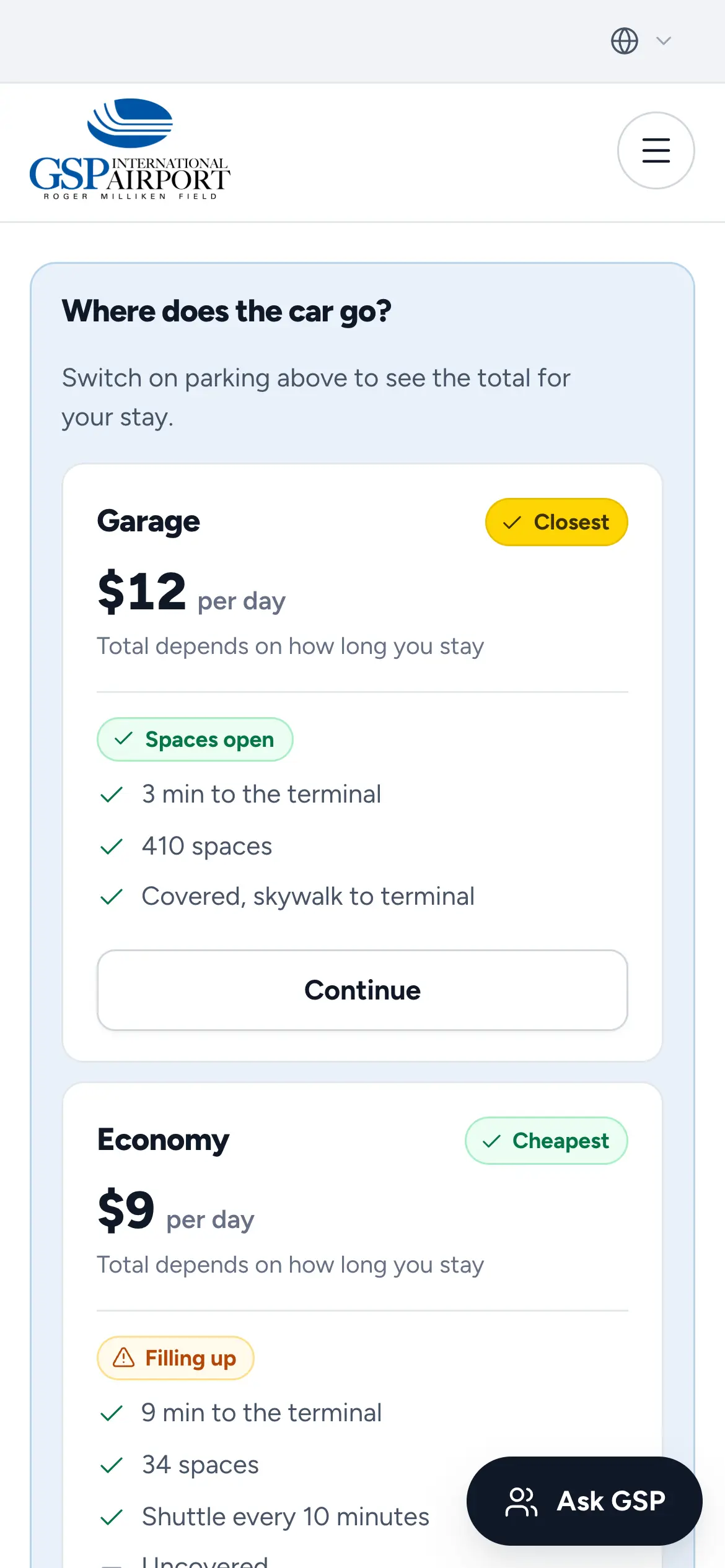
Mobile “Where does the car go?” comparison with daily rates, spaces open and shuttle times for each lot.
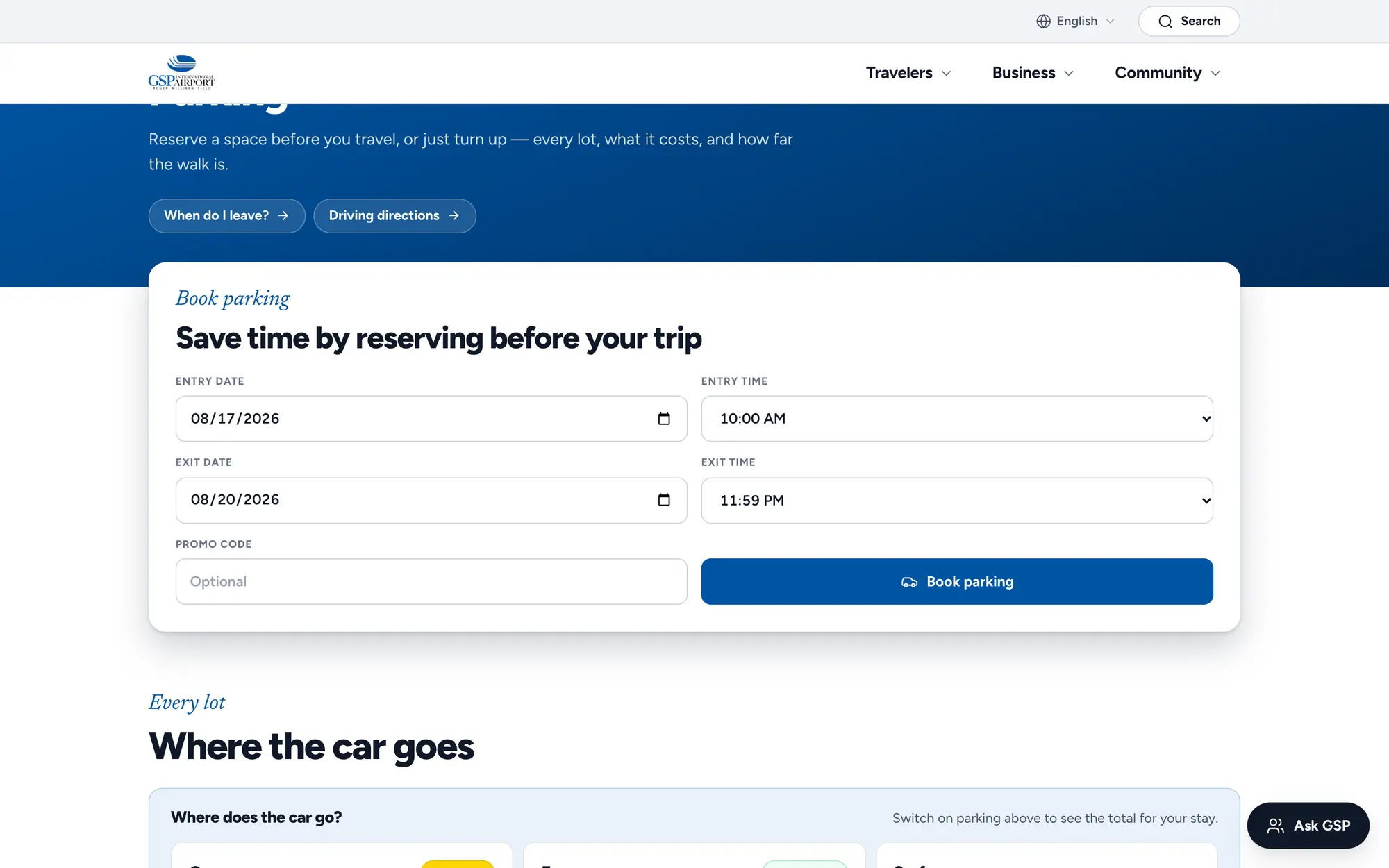
Desktop parking reservation form, “Save time by reserving before your trip,” under the Parking & Booking hero.
Desktop lot comparison, “Where the car goes,” with Garage, Economy and Surface cards showing rate, availability and walking time.
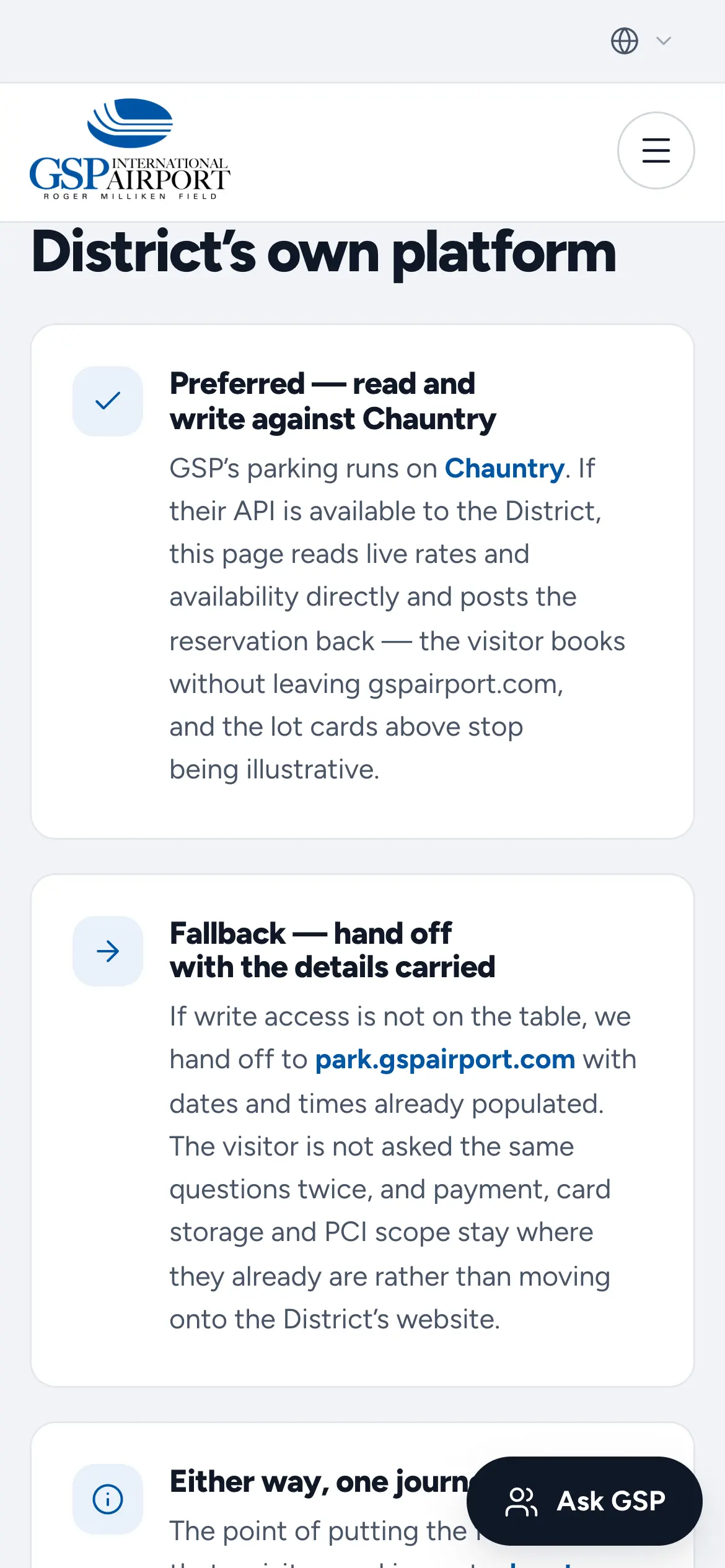
Mobile “How this connects” explainer, “Booking runs on the District’s own platform,” describing the preferred, fallback and either-way flows.
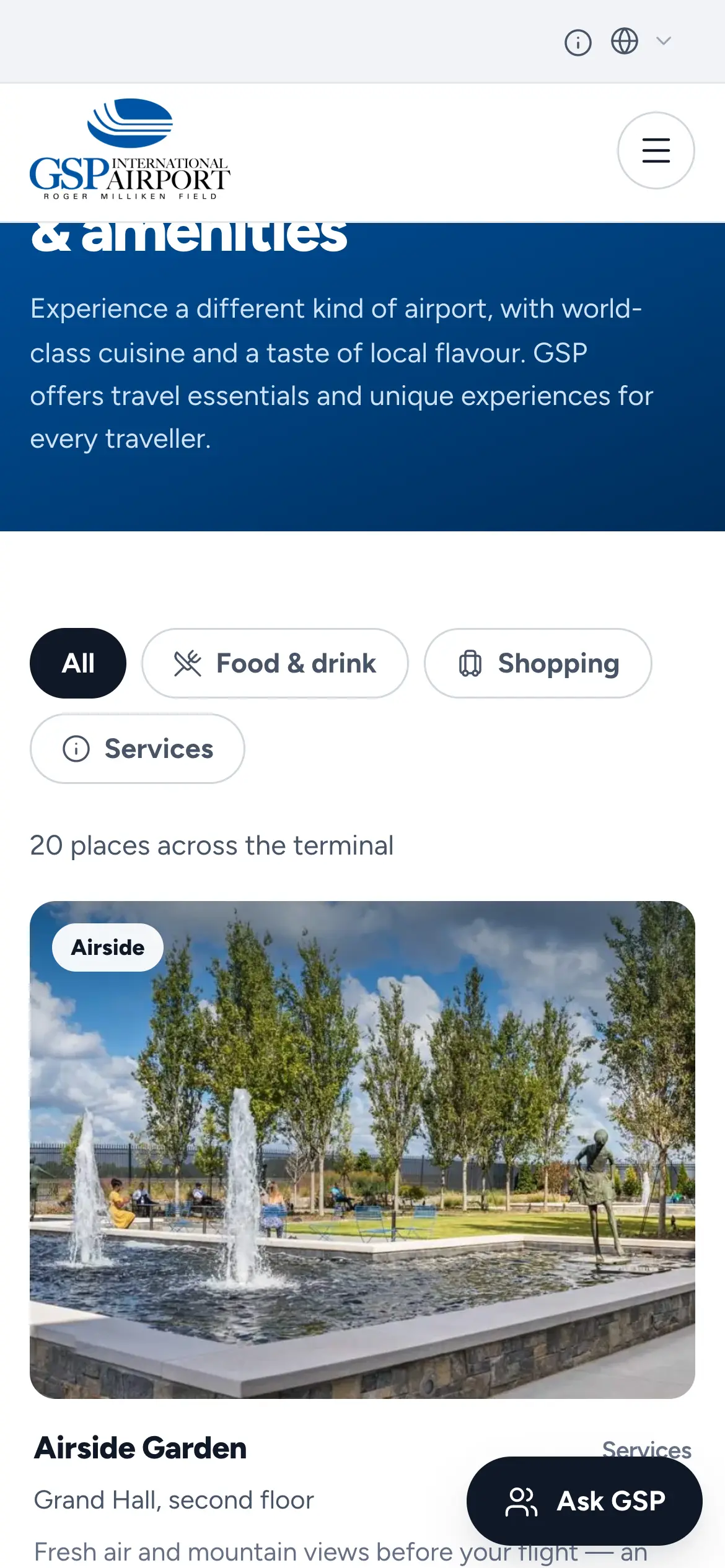
Mobile Dining, Shopping & Amenities directory with All, Food & drink, Shopping and Services filters.
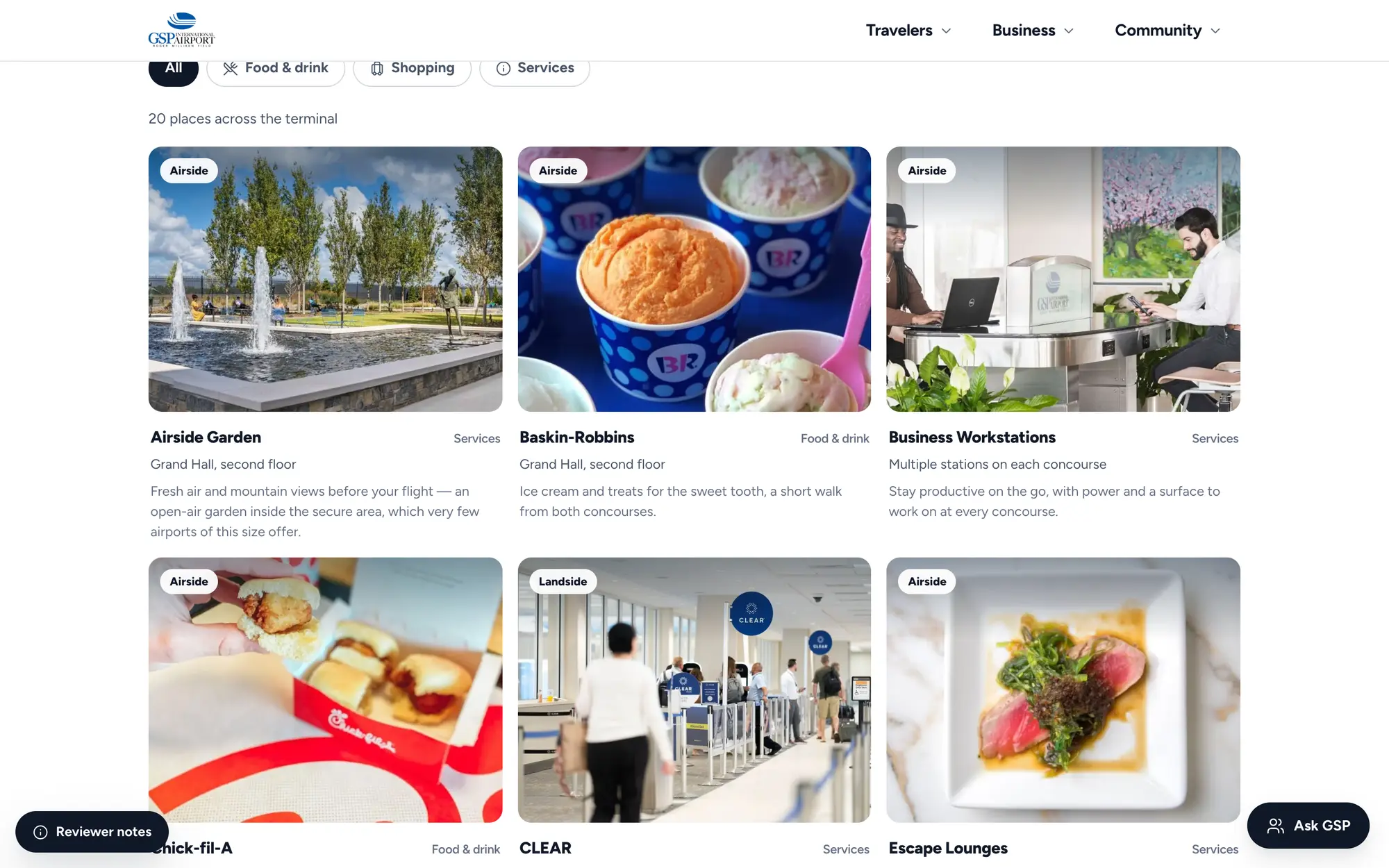
Desktop Dining, Shopping & Amenities directory listing 20 places across the terminal, each tagged airside or landside with its concourse location.
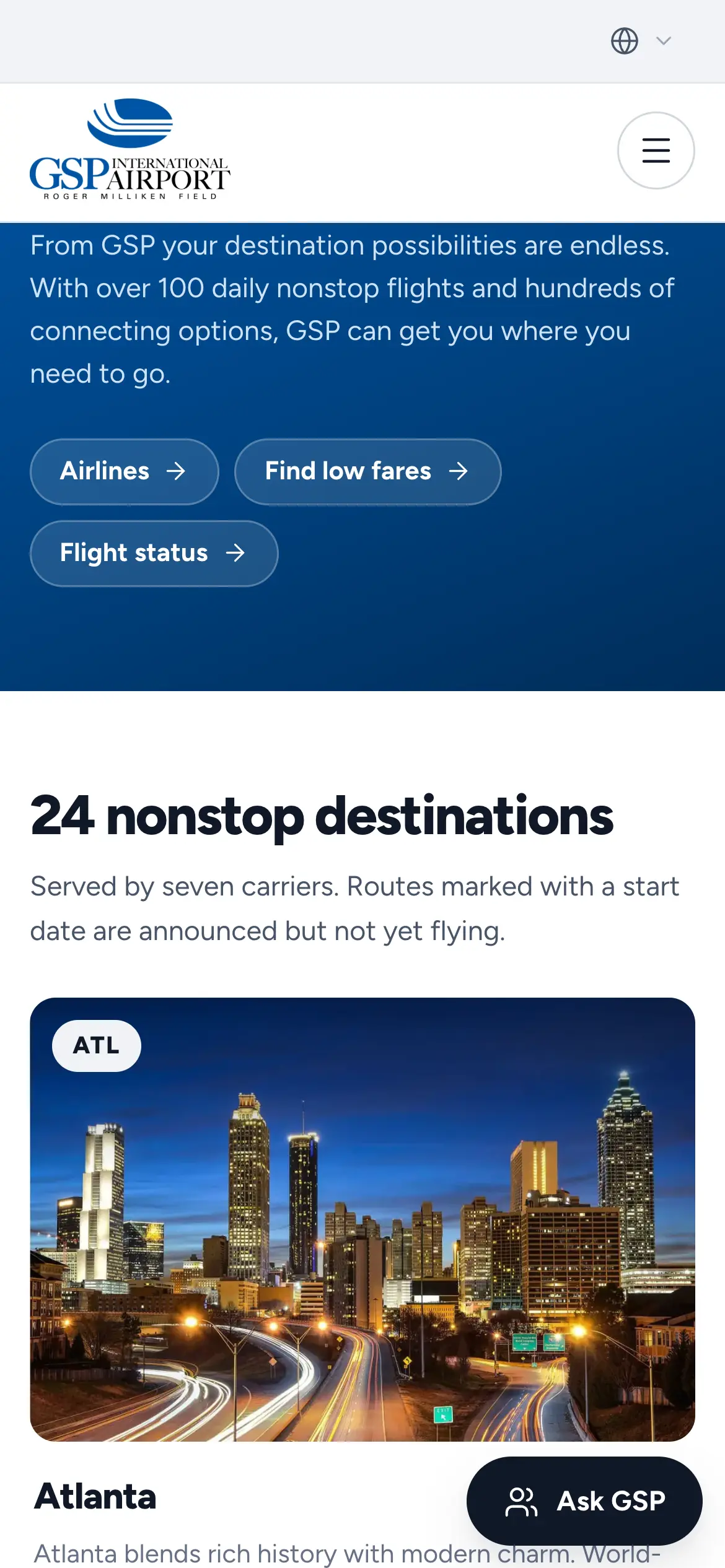
Mobile Where We Fly page, “24 nonstop destinations,” opening on the Atlanta destination card.
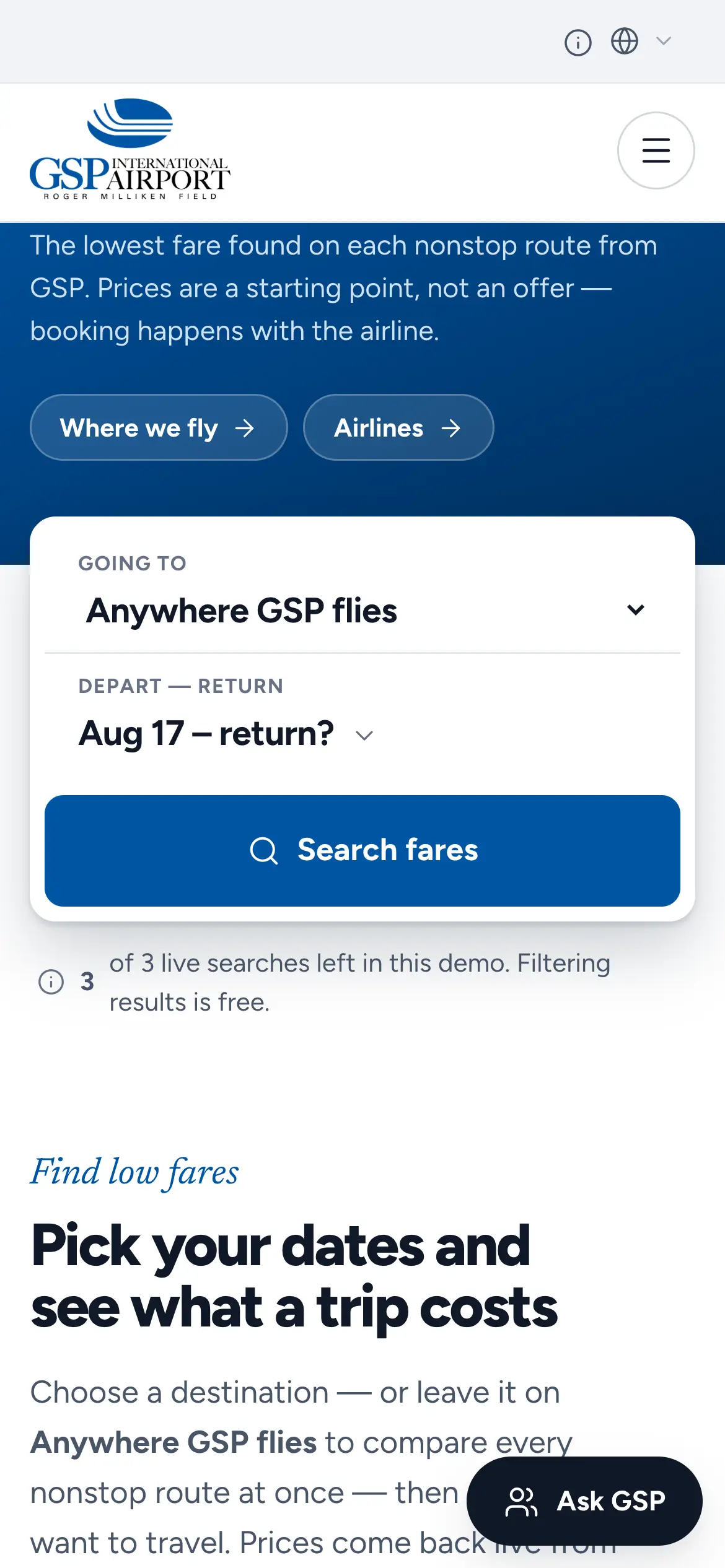
Mobile Find Low Fares search with destination and date pickers pulling live fares from a flight-booking API.
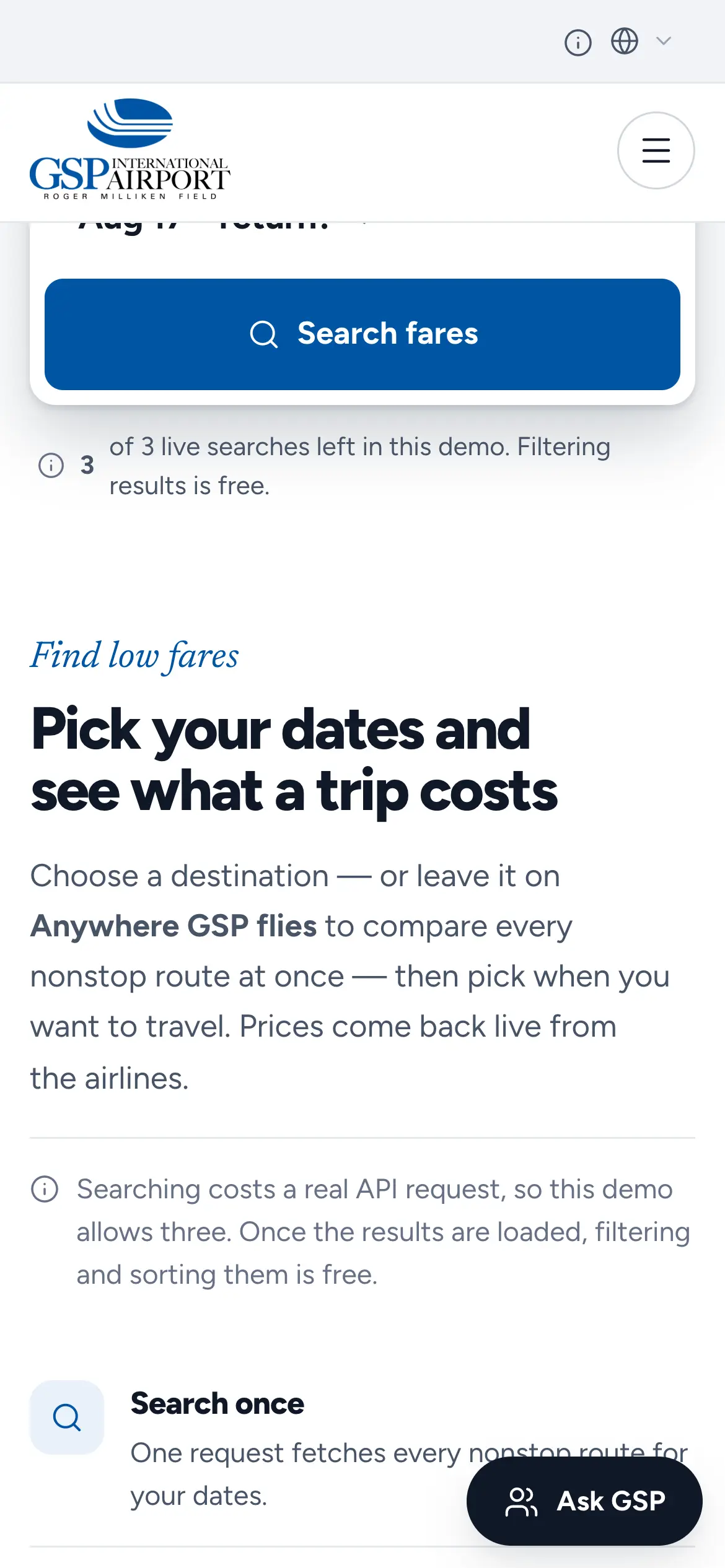
Mobile explainer, “Pick your dates and see what a trip costs,” covering search once, filter freely and book with the airline.
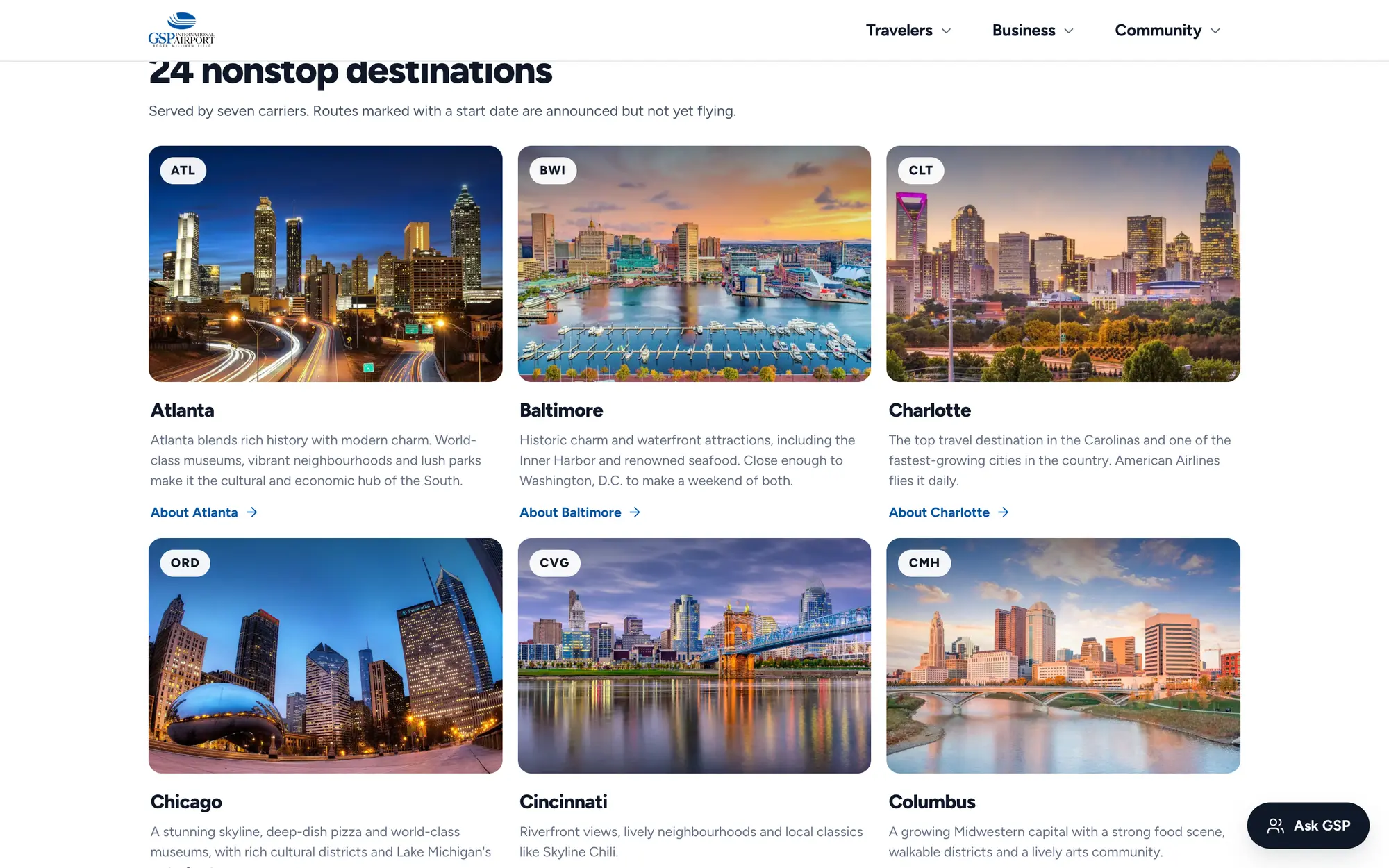
Desktop Where We Fly grid of nonstop destinations, with a photo and short city guide for Atlanta, Baltimore, Charlotte and more.
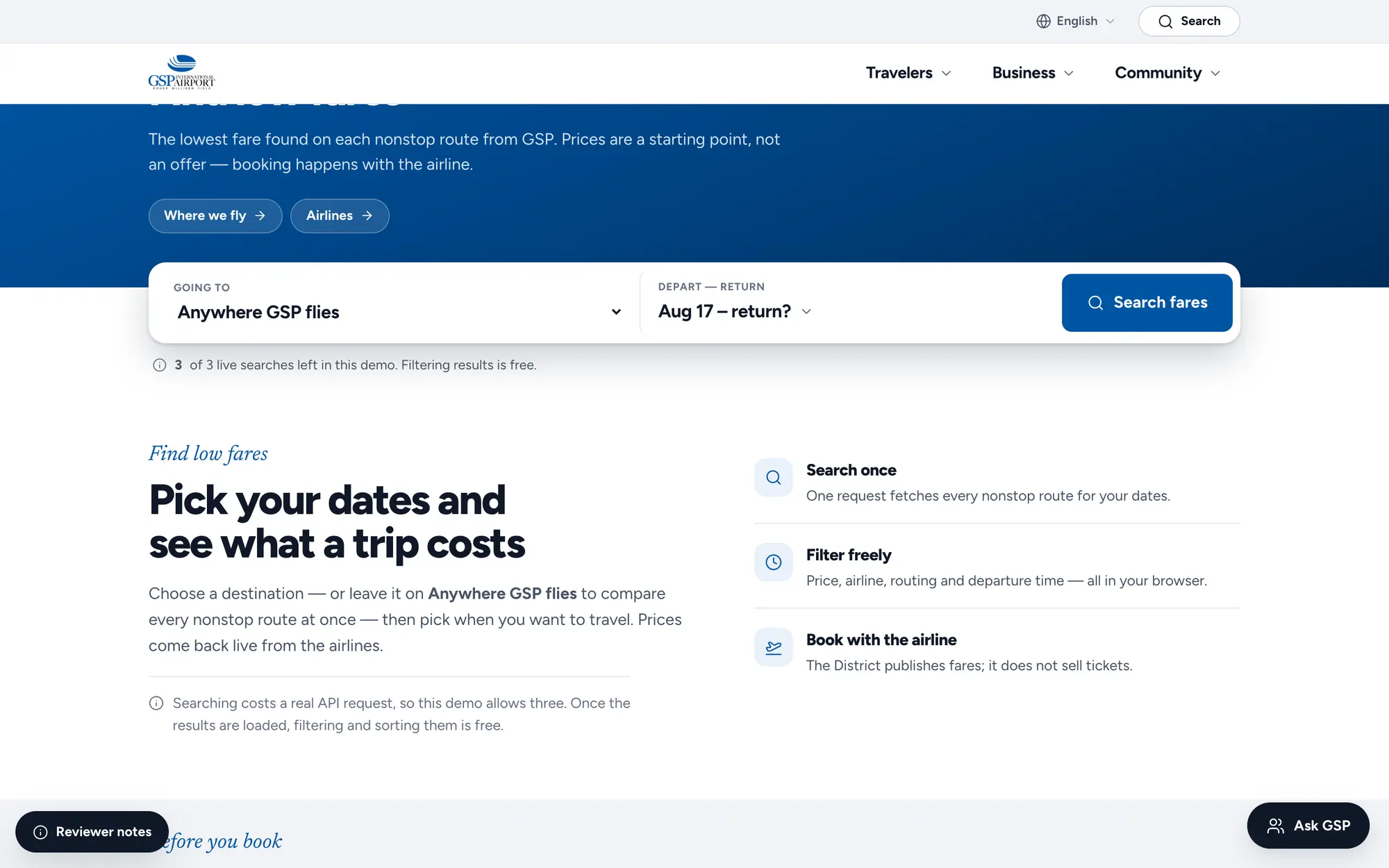
Desktop Find Low Fares hero, searching every nonstop route from GSP for the lowest live fare.
Desktop Flight Status page with a security checkpoint wait card and one search for any flight in or out of GSP today.