home

P1 Blocks.

At a glance

Industry
Technology
Services
Design · Web Development
Platforms
Next.js · Pantheon
Integrations
Artificial Intelligence

The project

We built P1 Blocks, a library of 297 responsive React and Tailwind blocks for P1, shipped as copy-paste components and Puck blocks with a live editor.

The pictures

Desktop walkthrough of the P1 Blocks homepage, from “Blocks for P1. Copy, paste, publish.” through the filterable catalog of 297 blocks, grouped by audience, section type, dashboards, carousels and GPU effects.
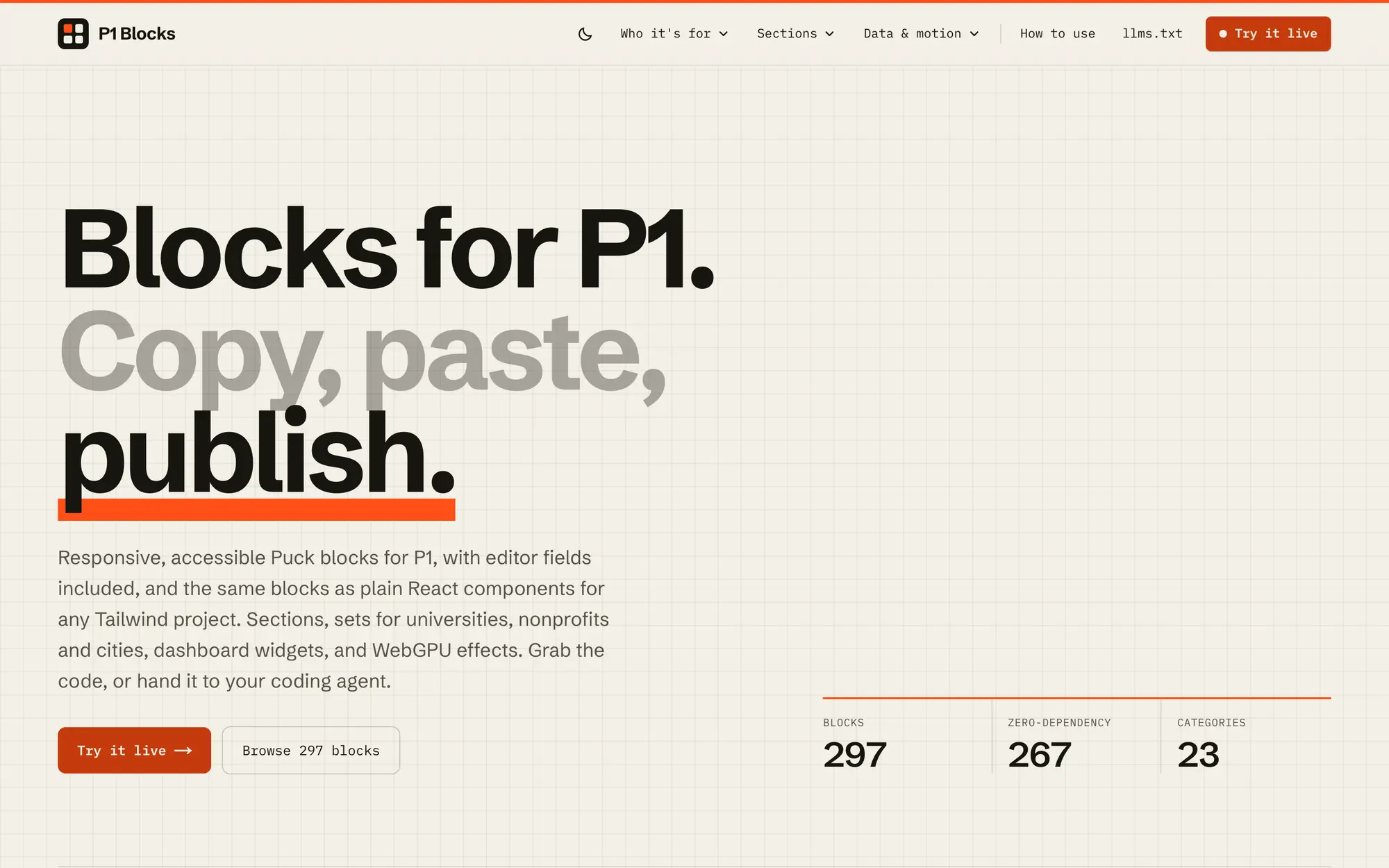
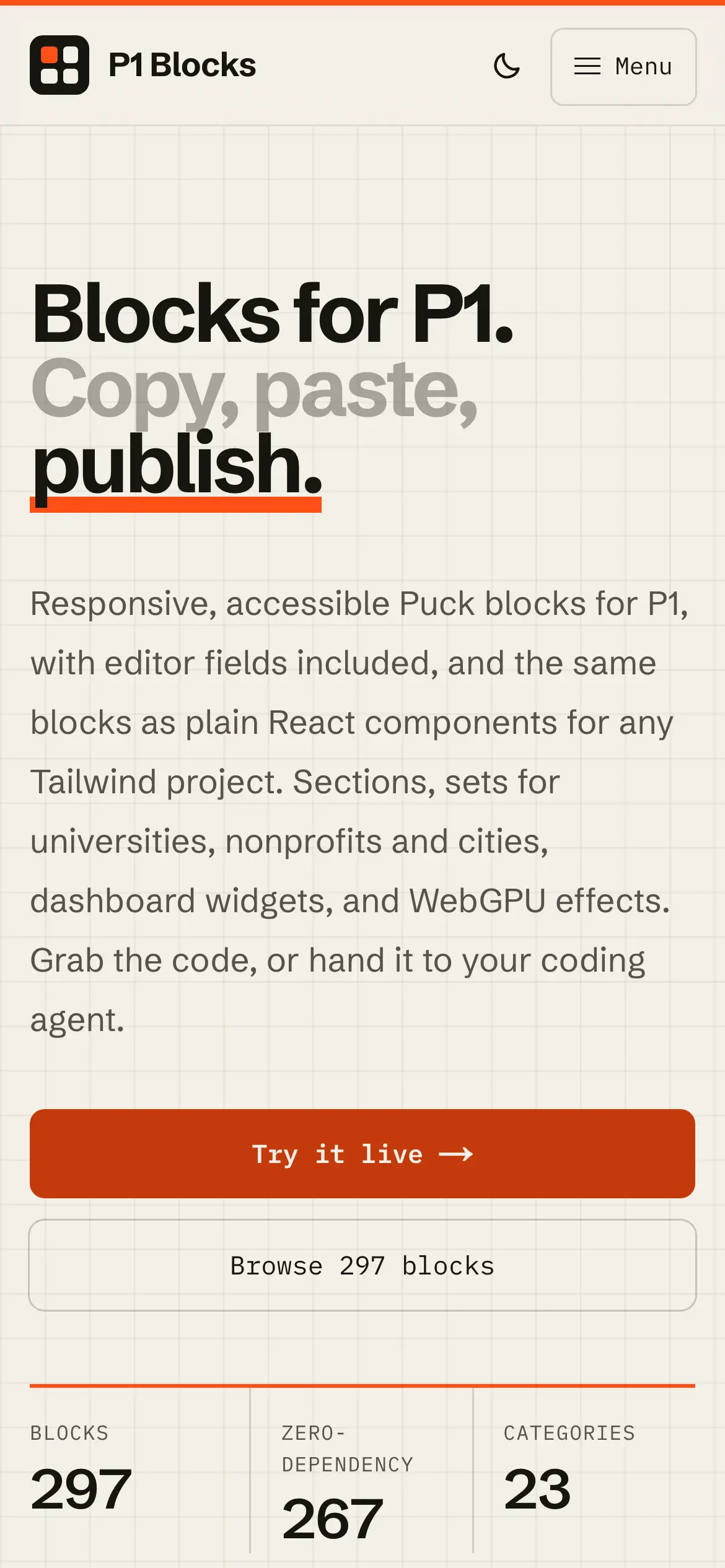
Desktop homepage hero, “Blocks for P1. Copy, paste, publish.,” with counters for 297 blocks, 267 zero-dependency components and 23 categories.
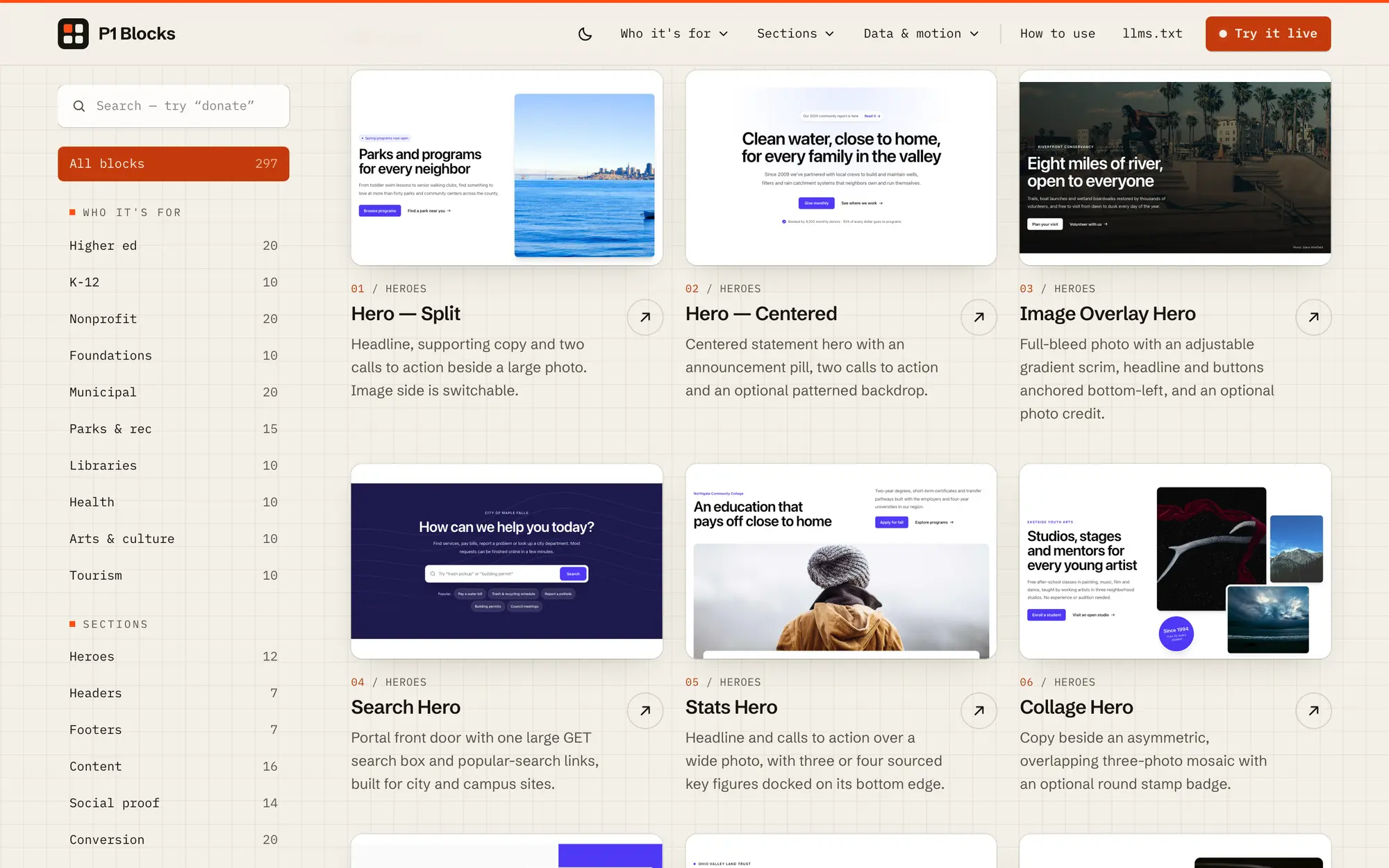
Desktop catalog with a category sidebar and a grid of hero blocks, from Hero — Split to Collage Hero, each with a live preview thumbnail.
Mobile homepage hero, “Blocks for P1. Copy, paste, publish.,” with Try it live and Browse 297 blocks buttons.
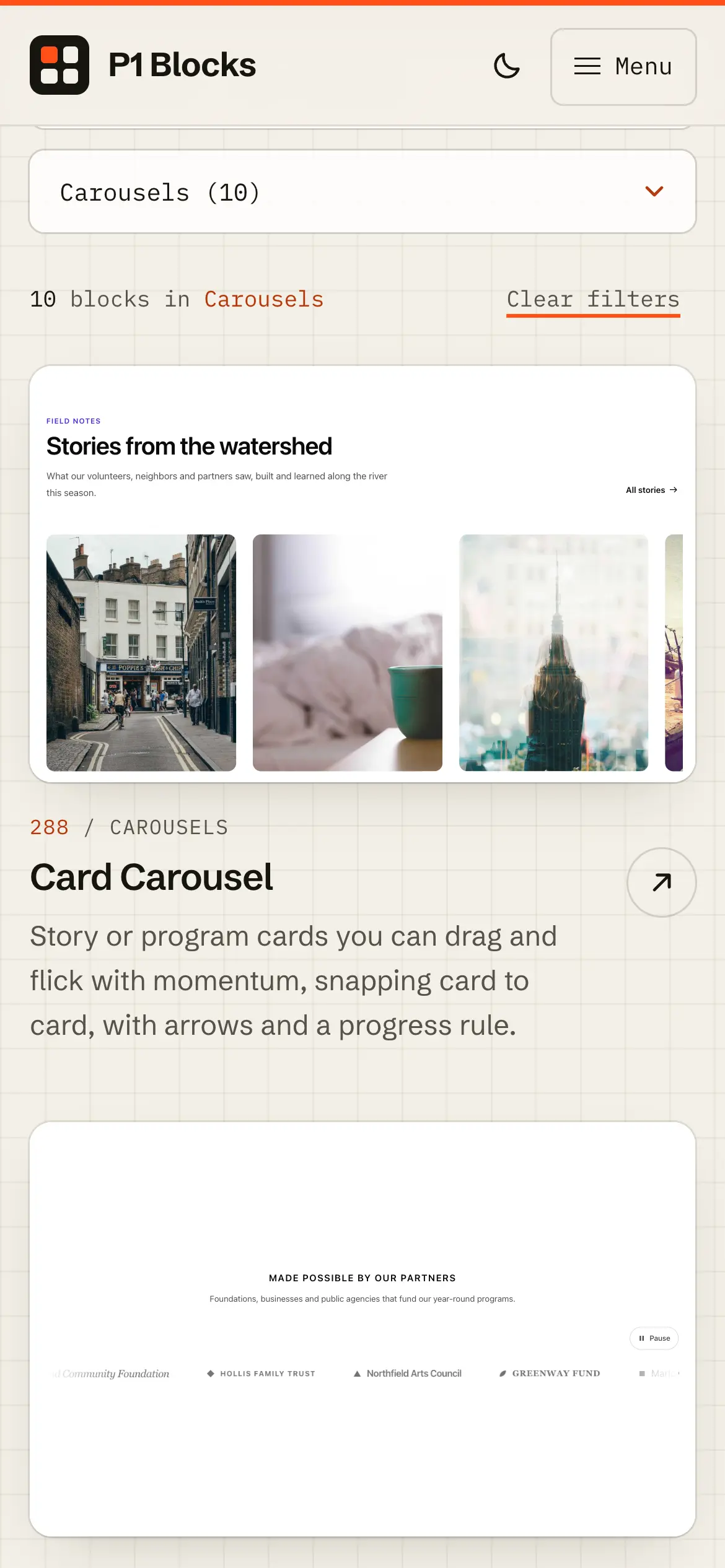
Mobile carousels catalog filtered to 10 blocks, opening on the Card Carousel and Logo Marquee previews.
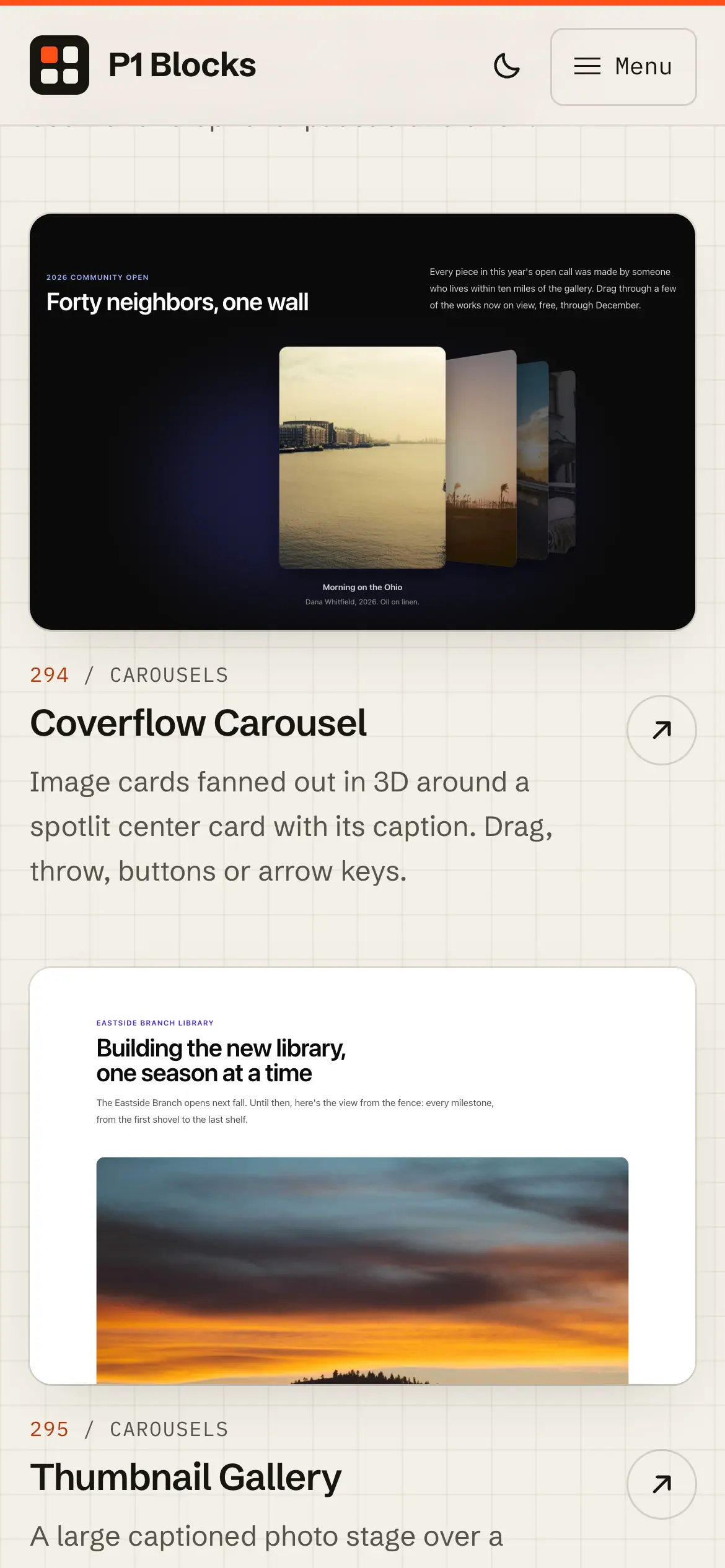
Mobile carousel previews for the Coverflow Carousel and Thumbnail Gallery, each with a short description.
Desktop scroll through the GPU effects category, where WebGPU blocks like the Aurora Hero, Mesh Gradient CTA and Topographic Section animate live in the catalog.
Mobile scroll through the GPU effects category, with each WebGPU block animating inside its card as it enters the viewport.
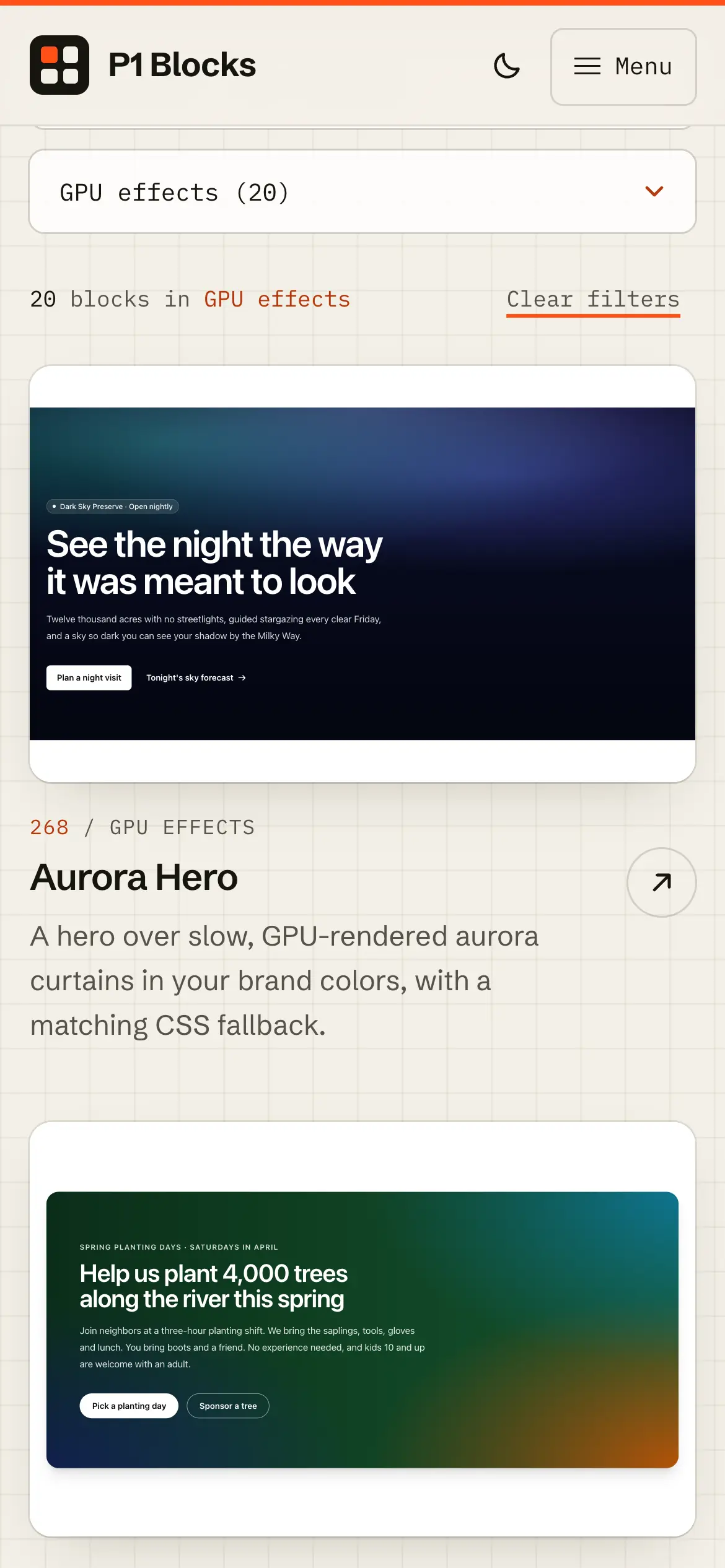
Mobile GPU effects catalog, “GPU effects (20),” opening on the Aurora Hero’s animated night-sky preview.
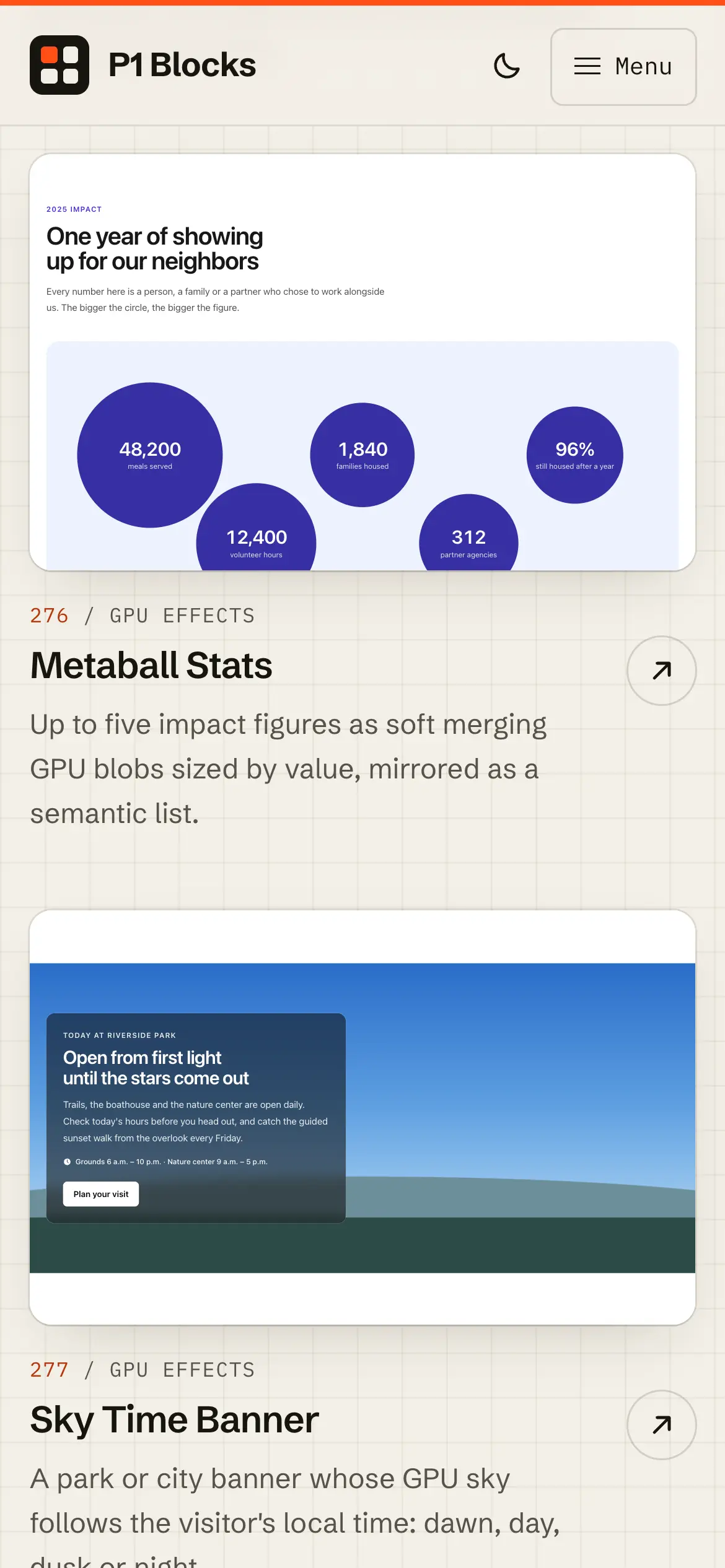
Mobile previews of the Metaball Stats and Sky Time Banner GPU blocks, with impact figures set in merging blobs above a park banner under a live sky.
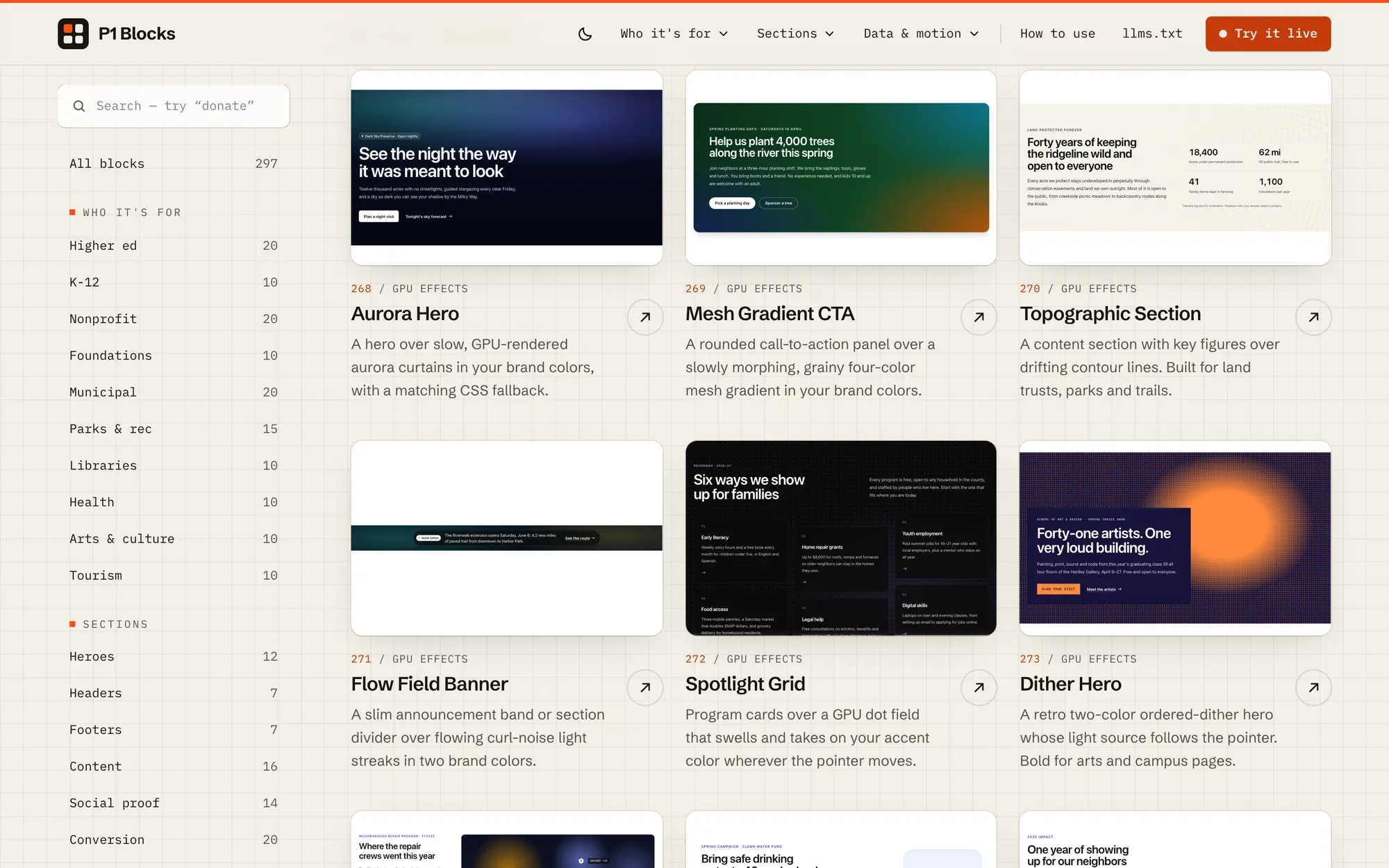
Desktop GPU effects grid with the Aurora Hero, Mesh Gradient CTA, Topographic Section, Flow Field Banner, Spotlight Grid and Dither Hero.
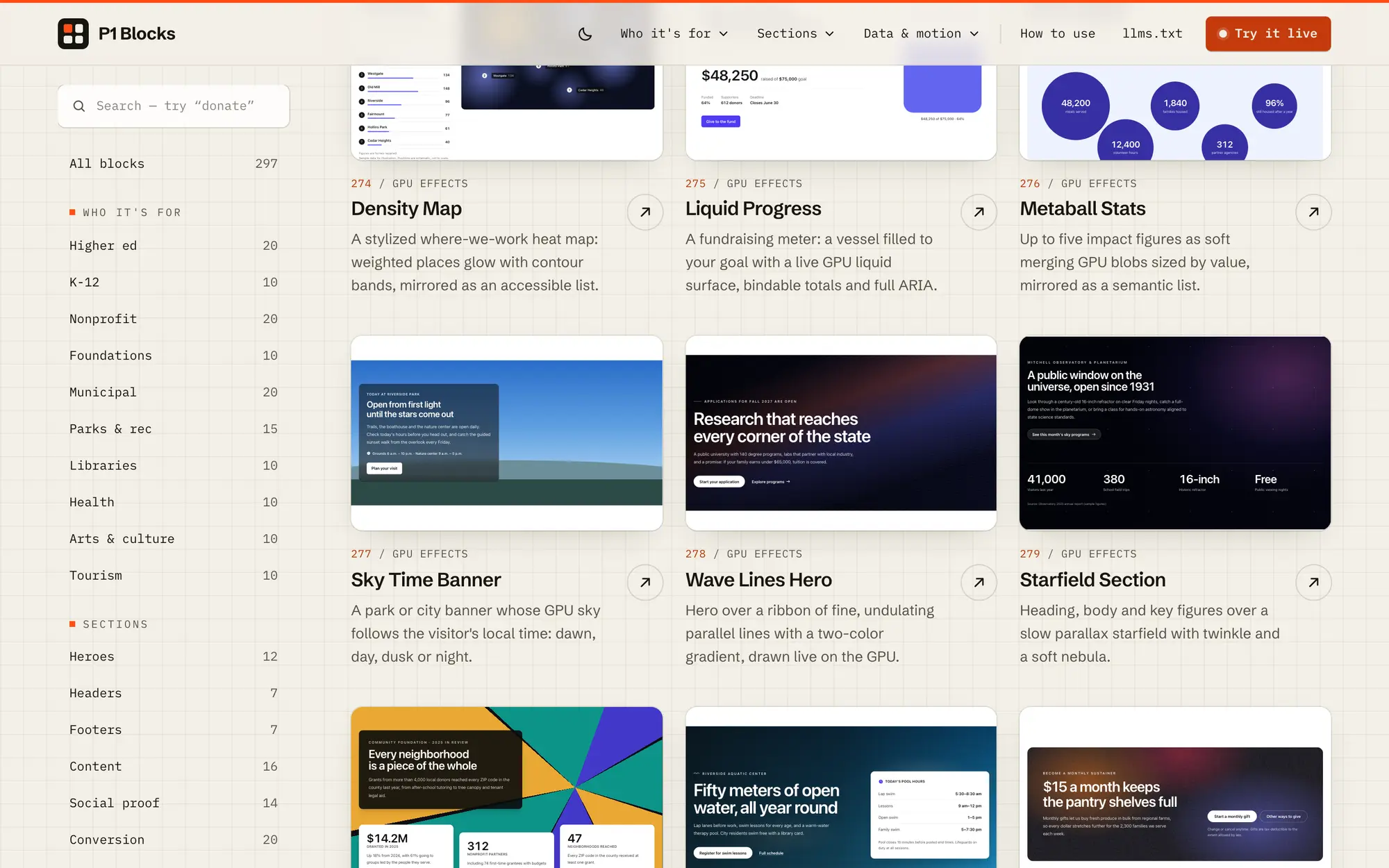
Desktop GPU effects continued, including the Density Map, Liquid Progress, Metaball Stats, Sky Time Banner, Wave Lines Hero and Starfield Section.
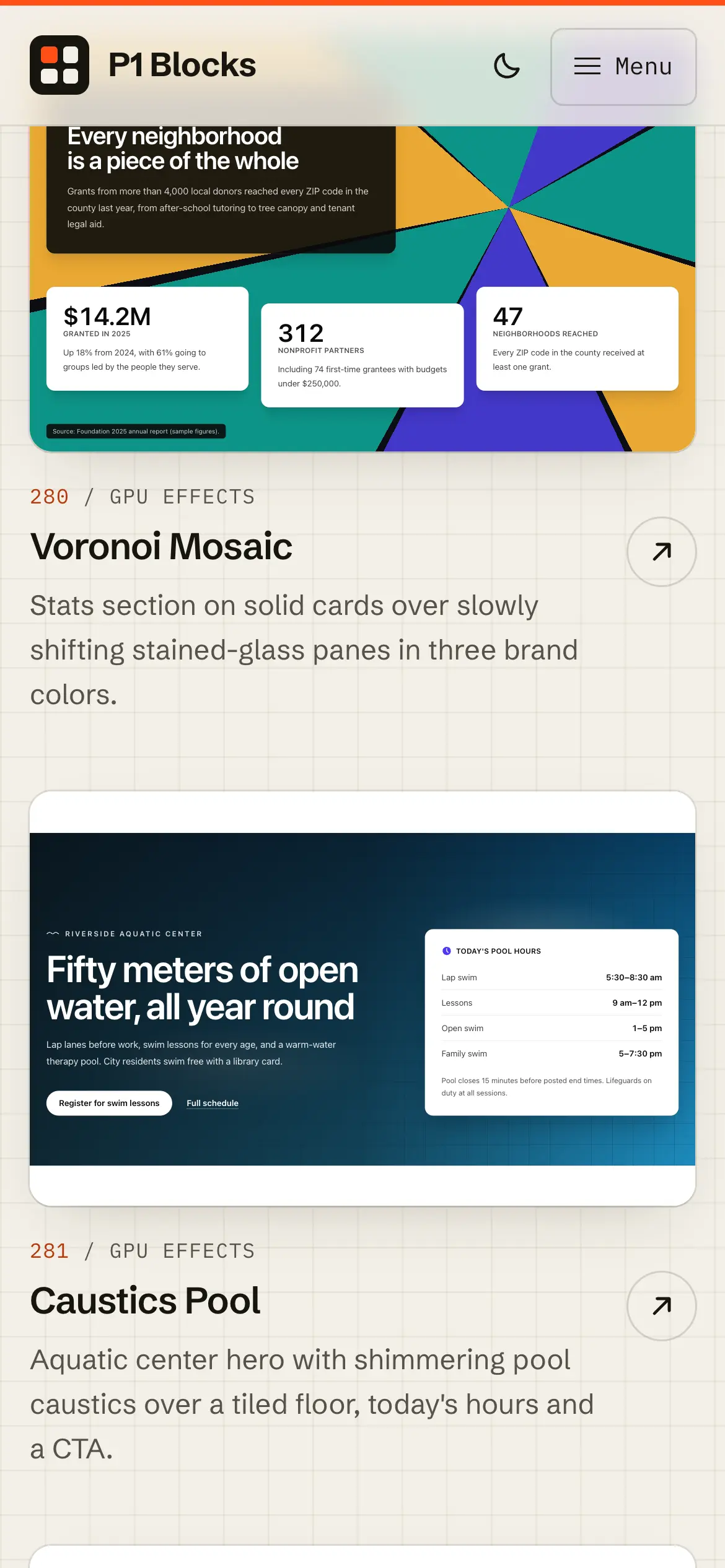
Mobile Voronoi Mosaic and Caustics Pool previews, with stats on stained-glass panes and an aquatic hero over shimmering water.
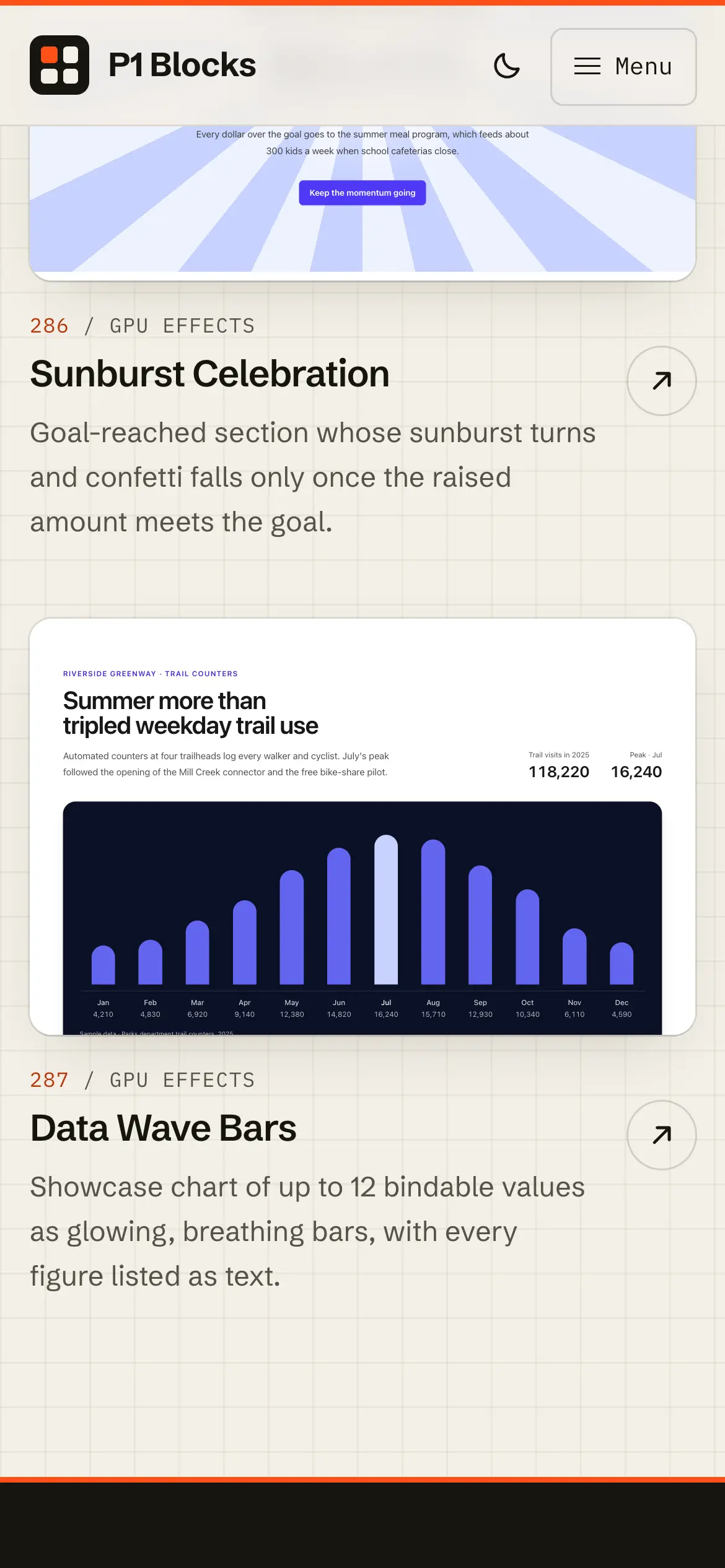
Mobile Sunburst Celebration and Data Wave Bars previews, a goal-reached banner and glowing animated bar chart.
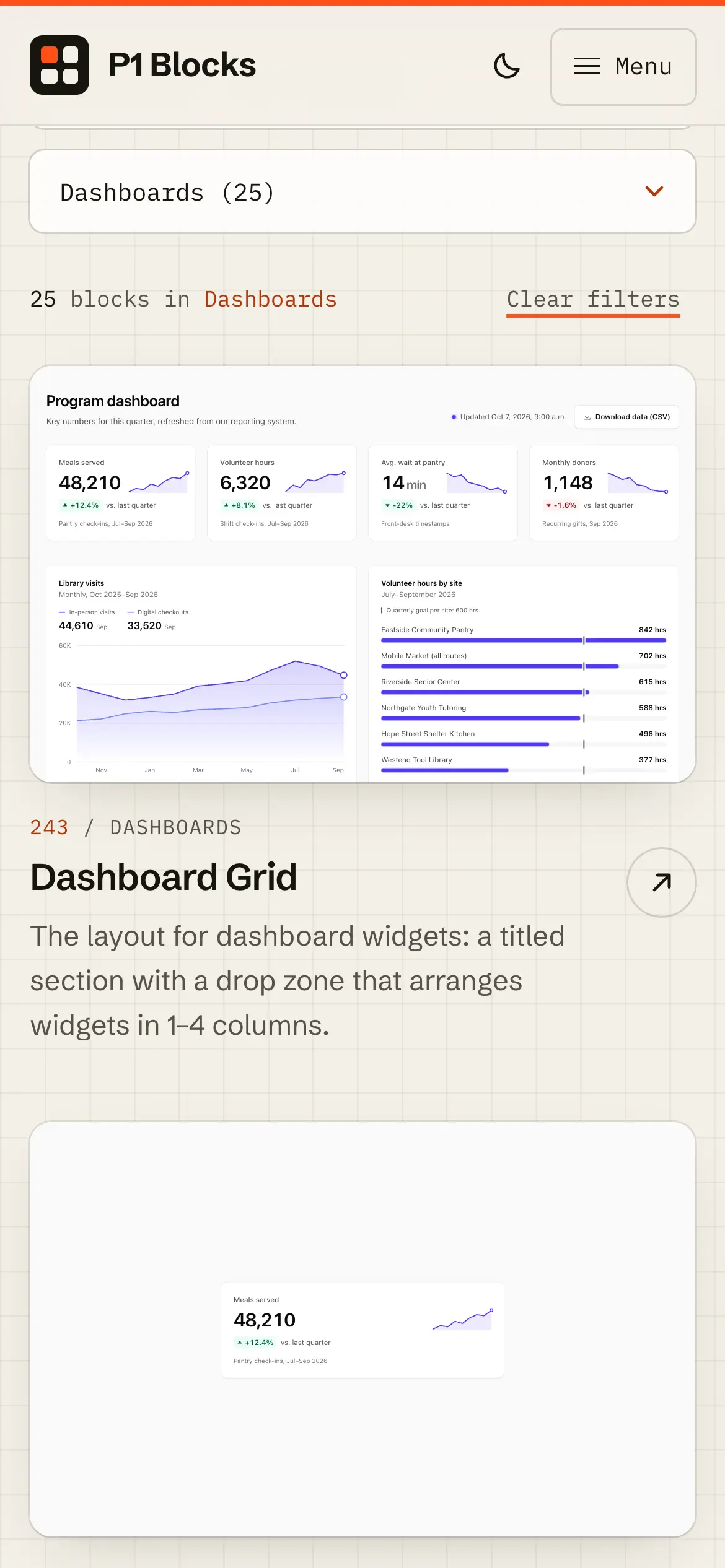
Mobile dashboards catalog, “Dashboards (25),” opening on the Dashboard Grid and KPI Card blocks.
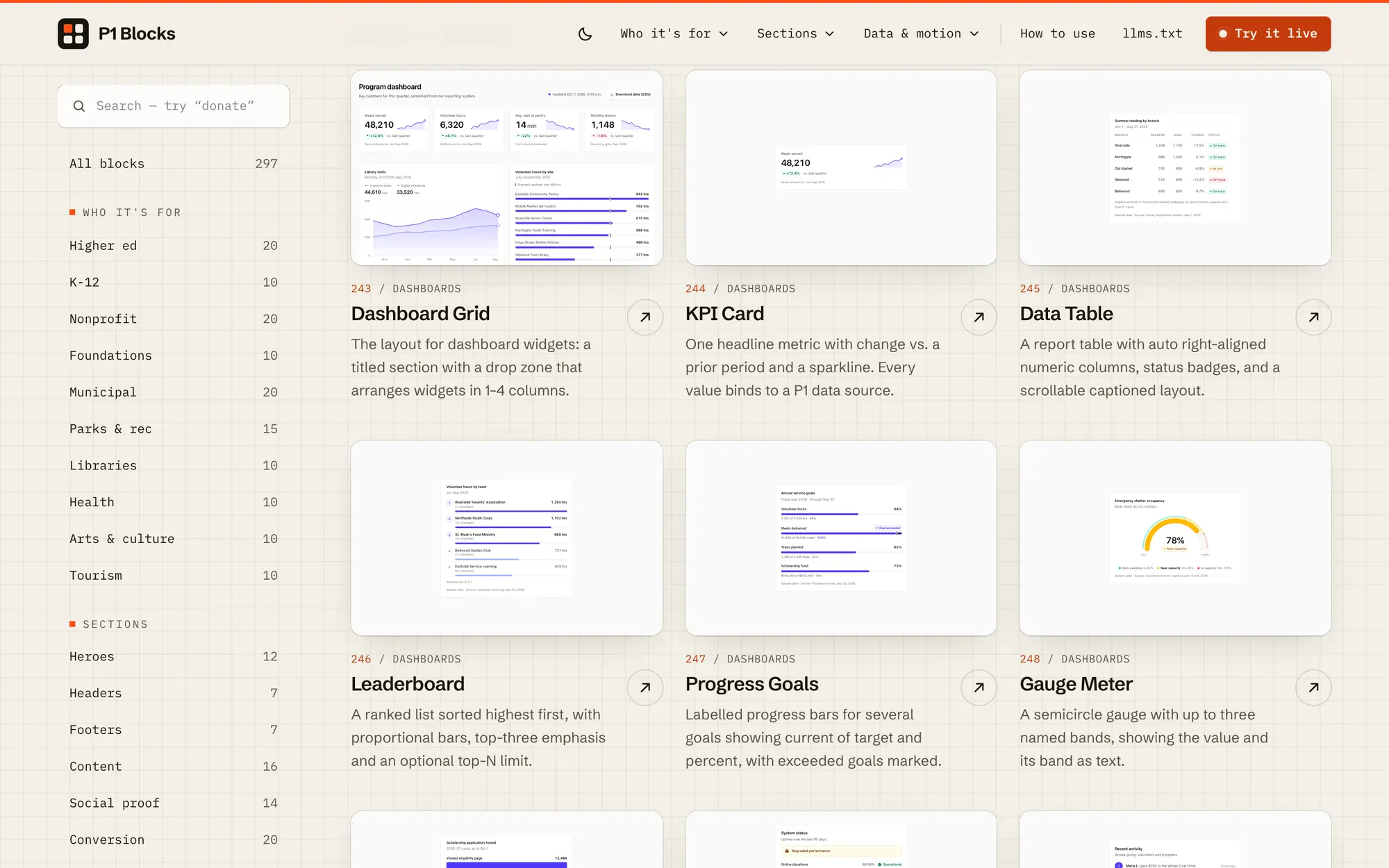
Desktop dashboards category with Dashboard Grid, KPI Card, Data Table, Leaderboard, Progress Goals and Gauge Meter blocks.
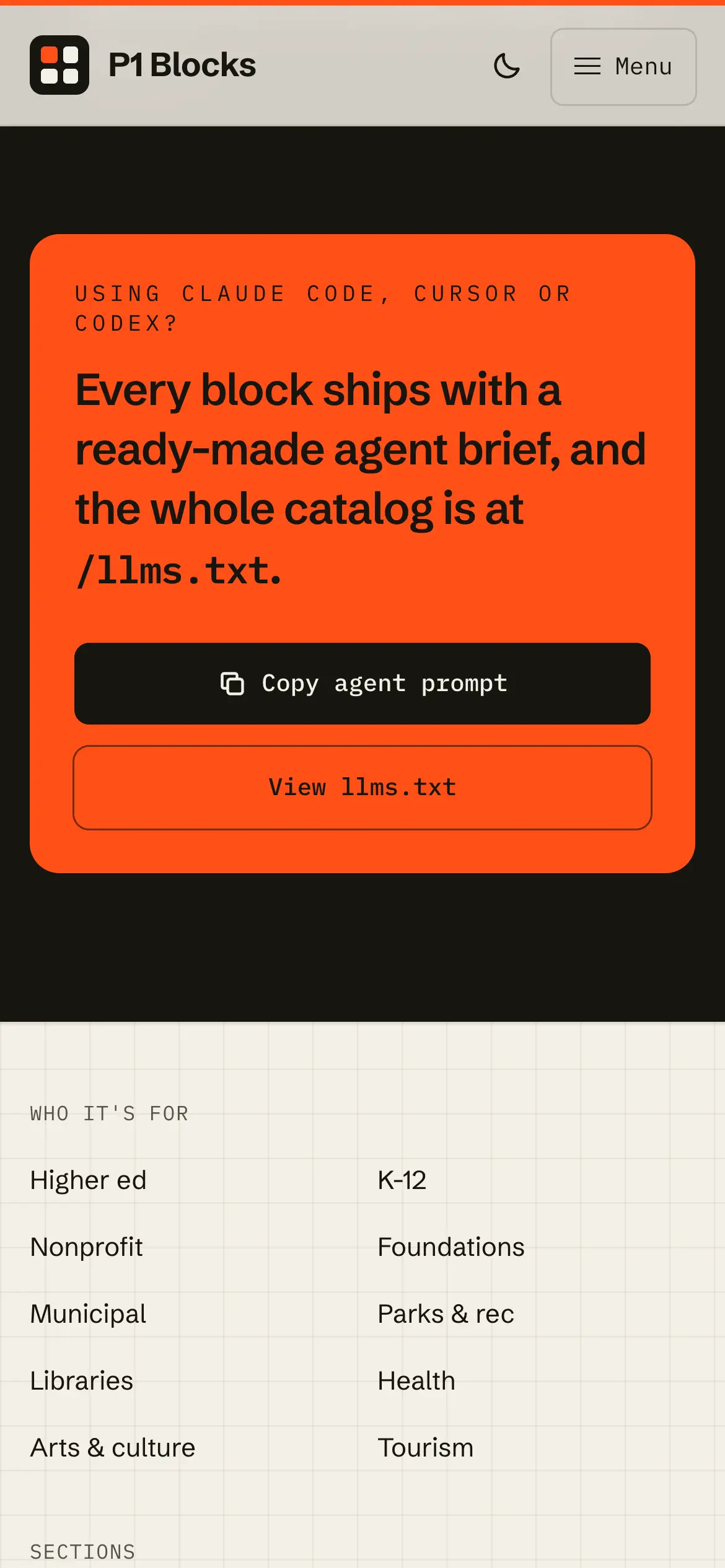
Mobile walkthrough of the homepage, from the hero and category filters through the full single-column block catalog.
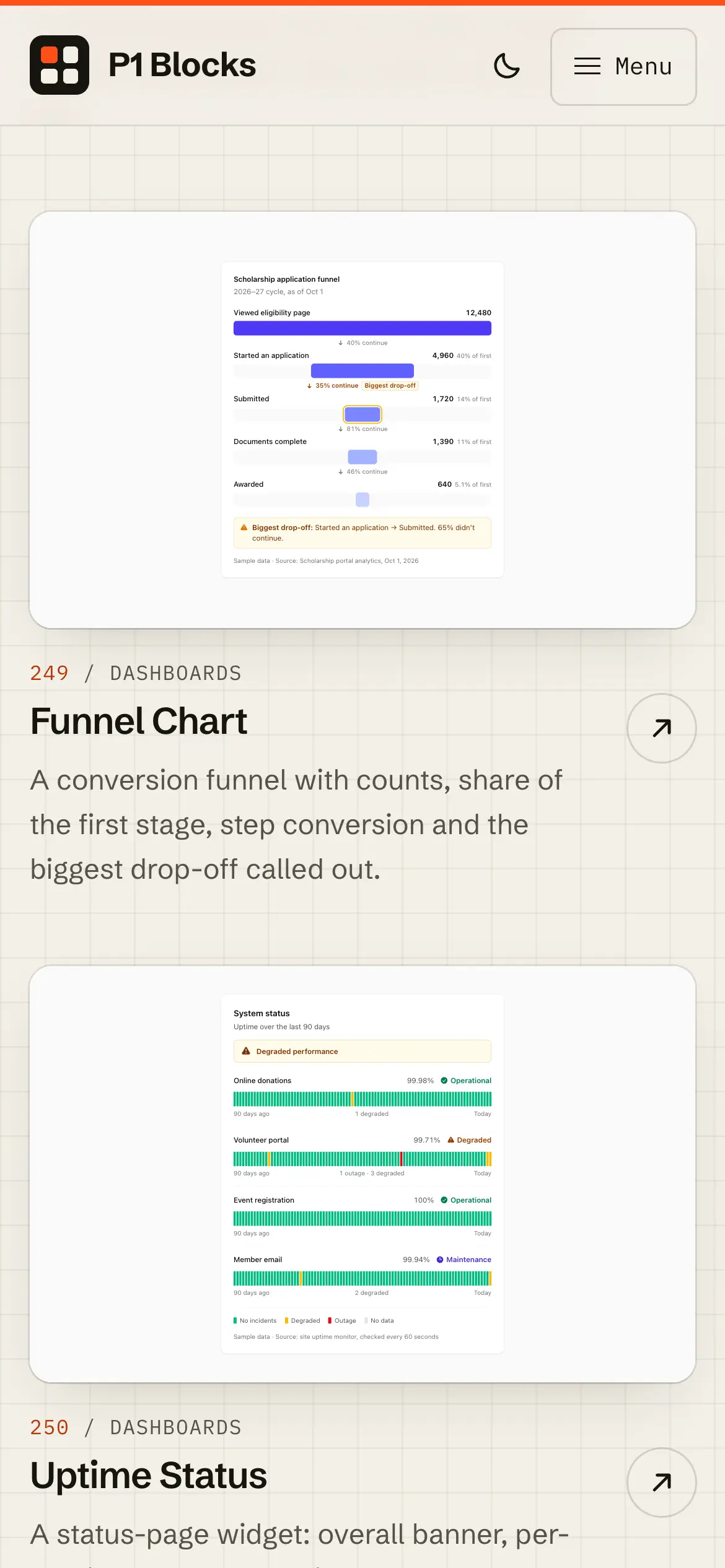
Mobile Funnel Chart and Uptime Status dashboard previews, with conversion steps and per-service status bars.
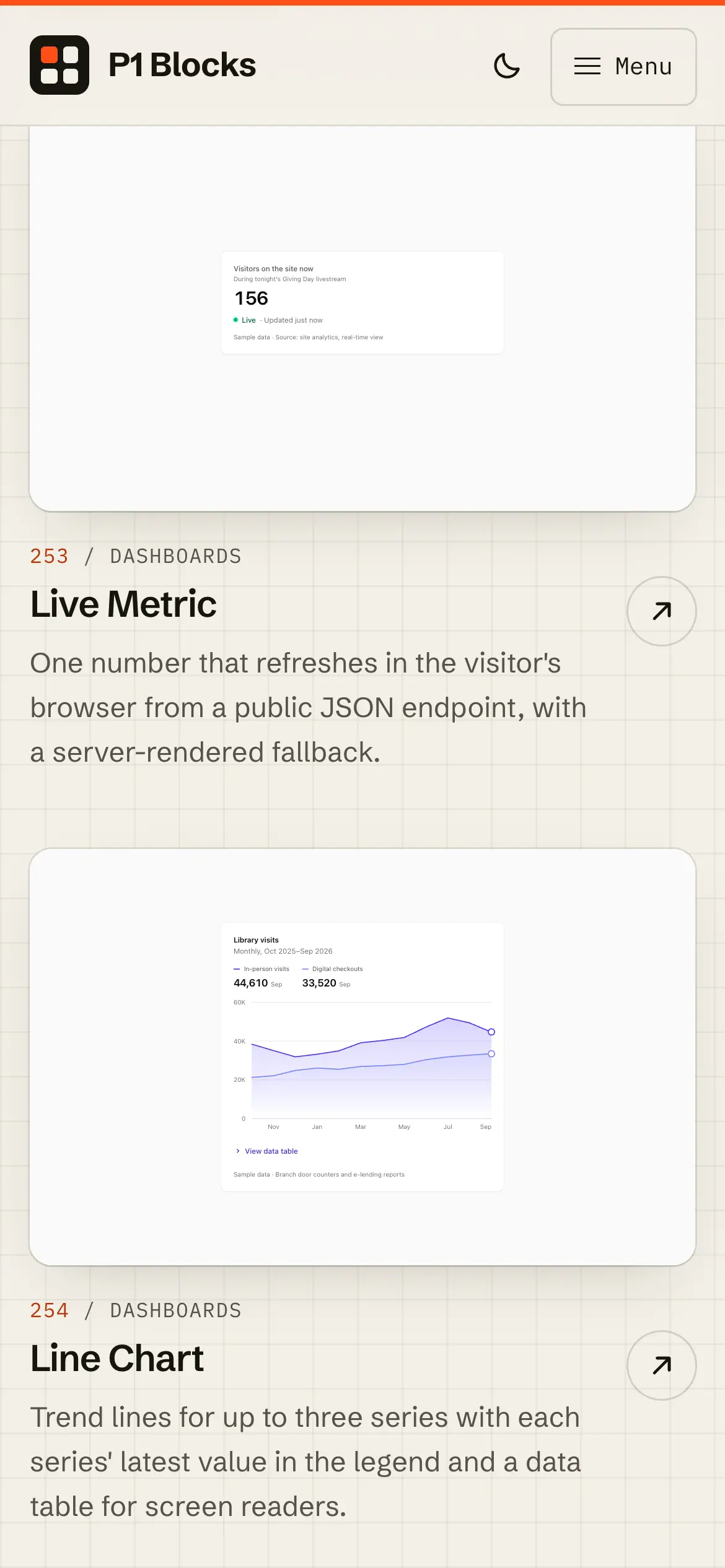
Mobile Live Metric and Line Chart dashboard previews, one number refreshing from a public JSON endpoint and a trend line beneath it.
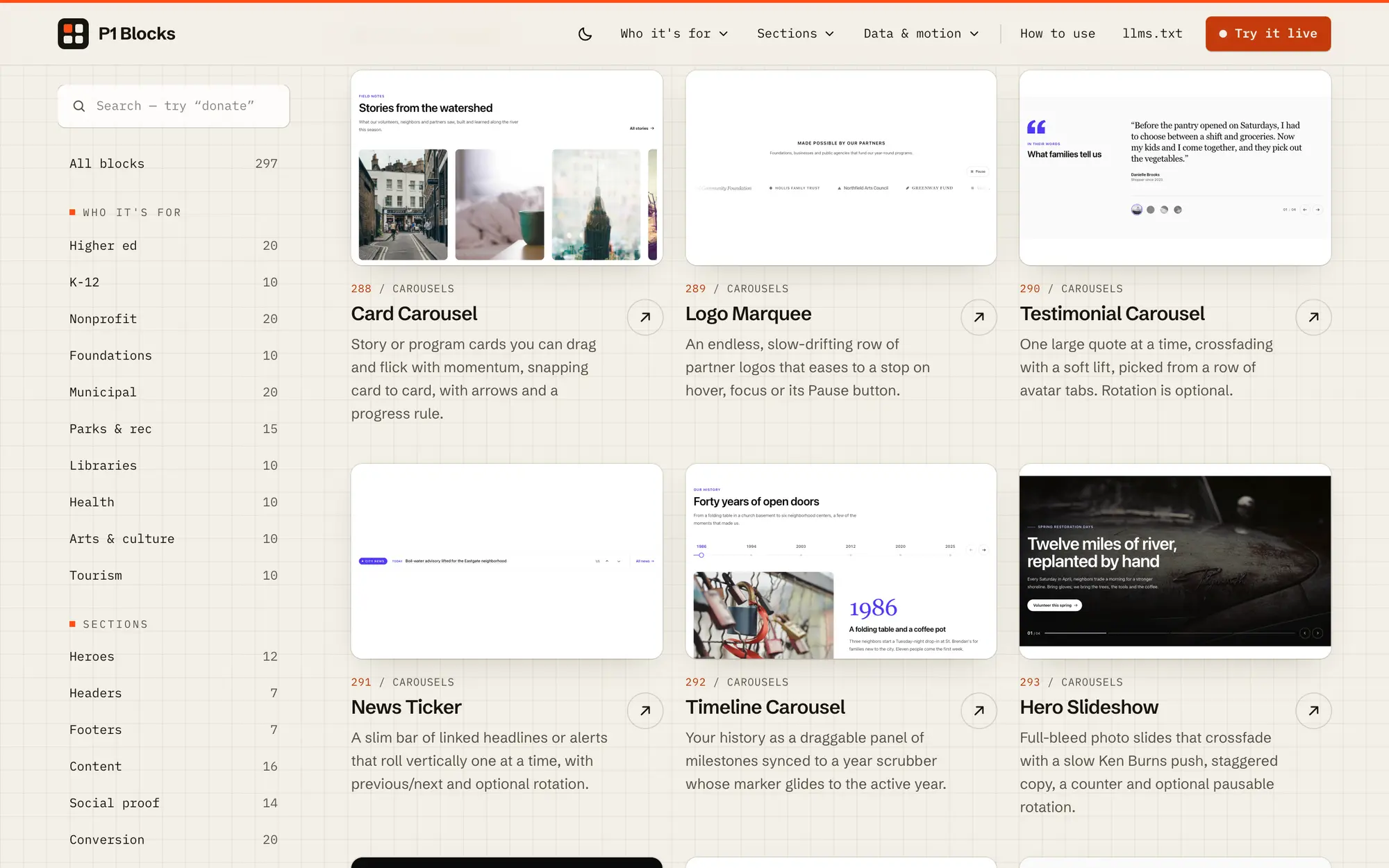
Desktop carousels category with the Card Carousel, Logo Marquee, Testimonial Carousel, News Ticker, Timeline Carousel and Hero Slideshow.
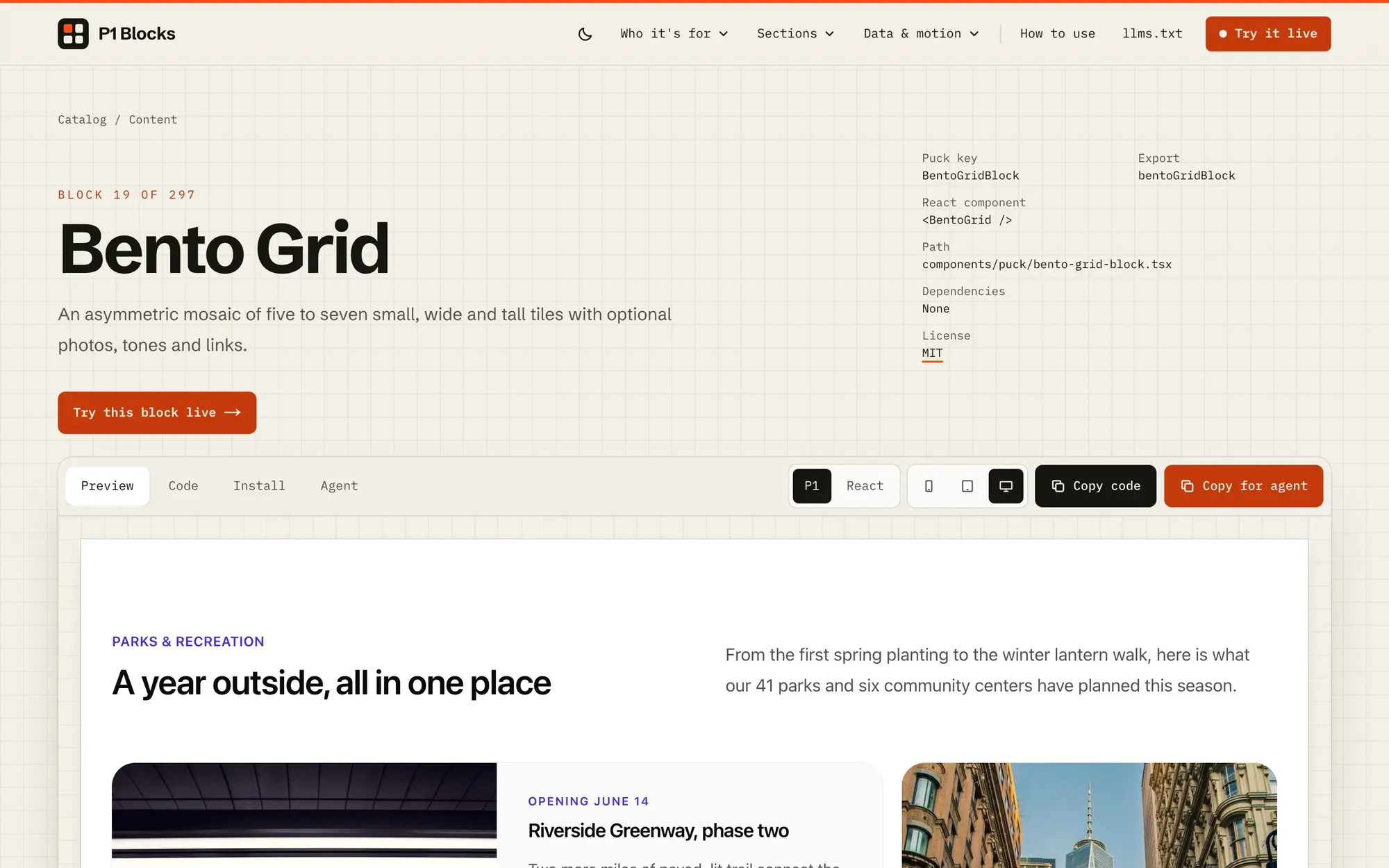
Desktop block page for the Bento Grid, with its Puck key, React component, path and license, plus Preview, Code, Install and Agent tabs.
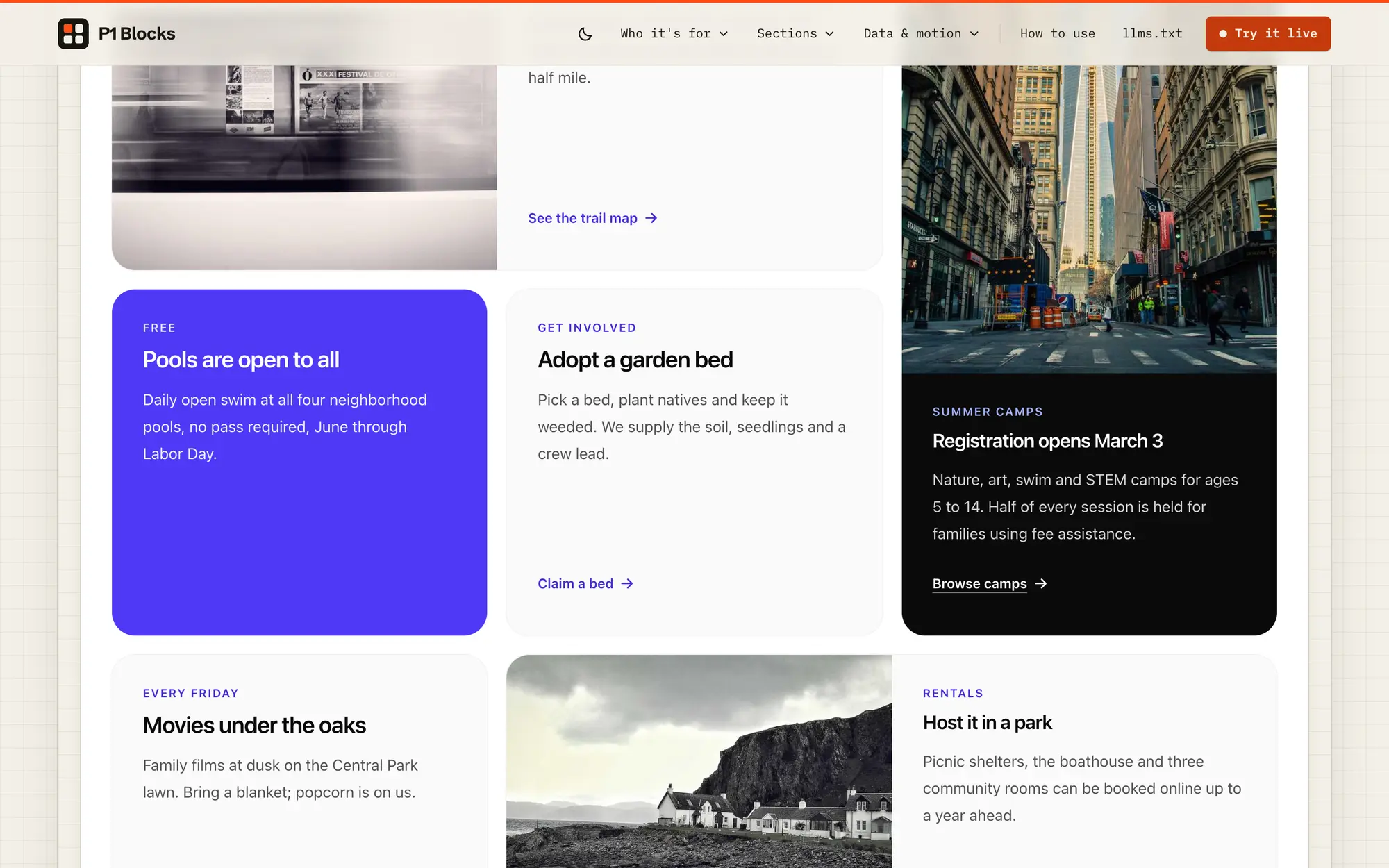
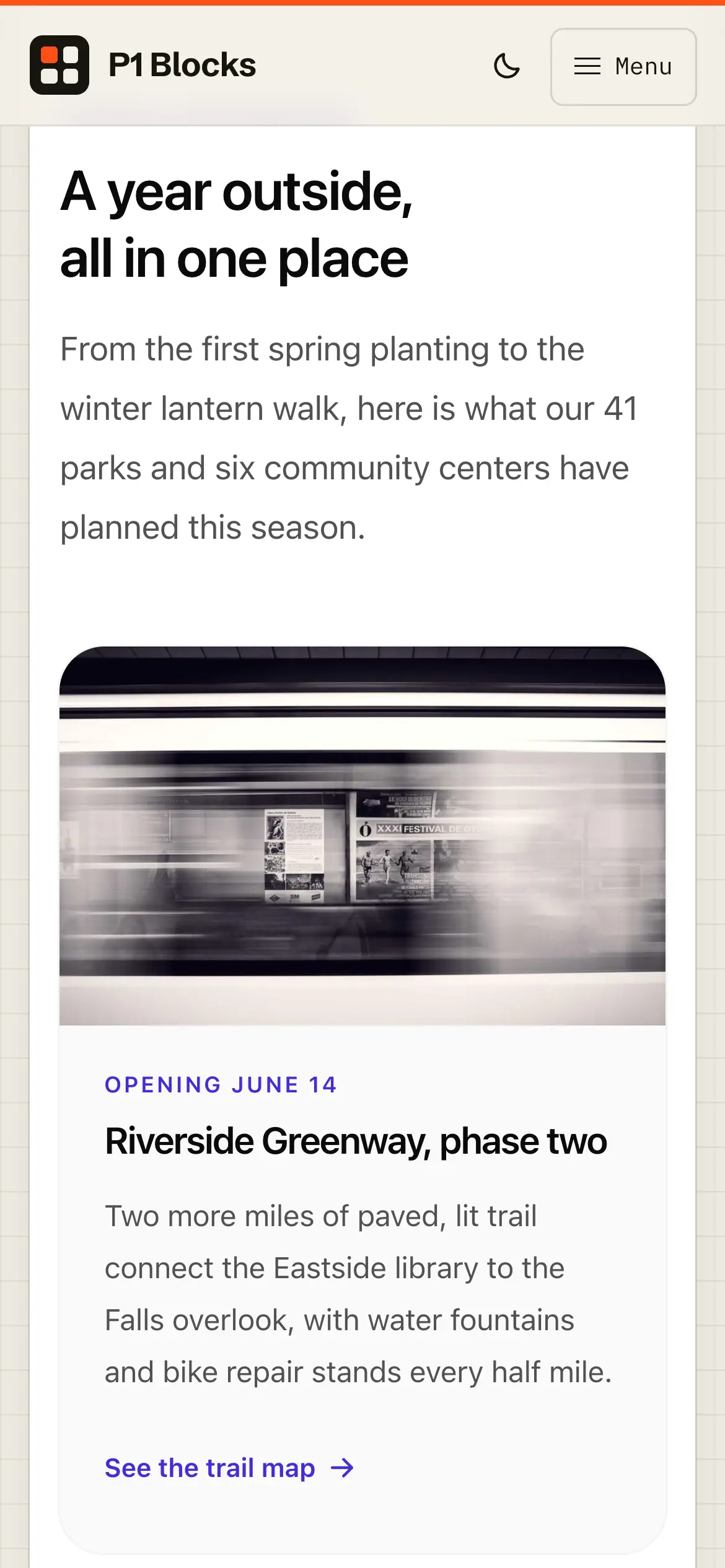
Desktop live preview of the Bento Grid, “A year outside, all in one place,” tiling five to seven park and program stories across the layout.
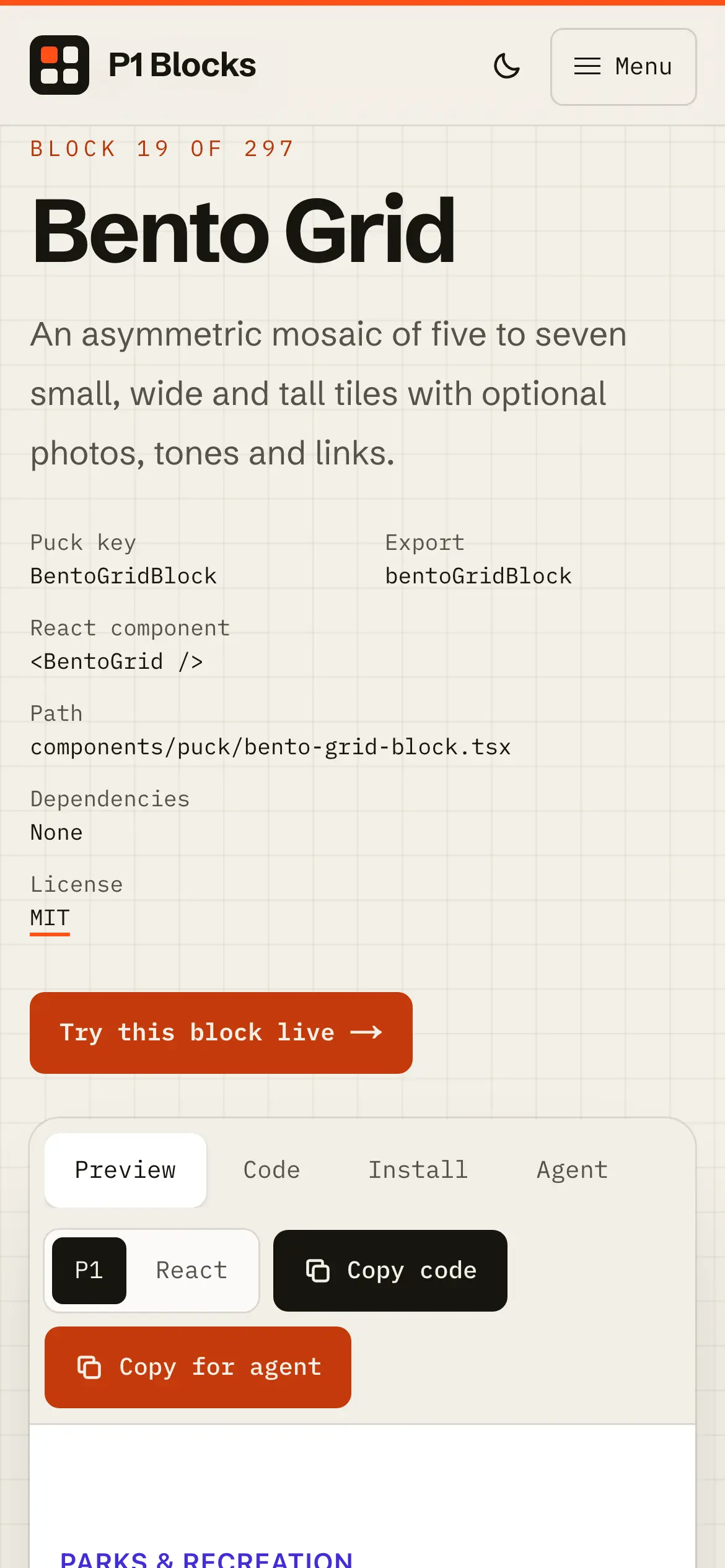
Mobile Bento Grid block page, with its install details, a Try this block live button and Copy code and Copy for agent actions.
Mobile Bento Grid preview, “A year outside, all in one place,” restacked into a single column of story tiles.
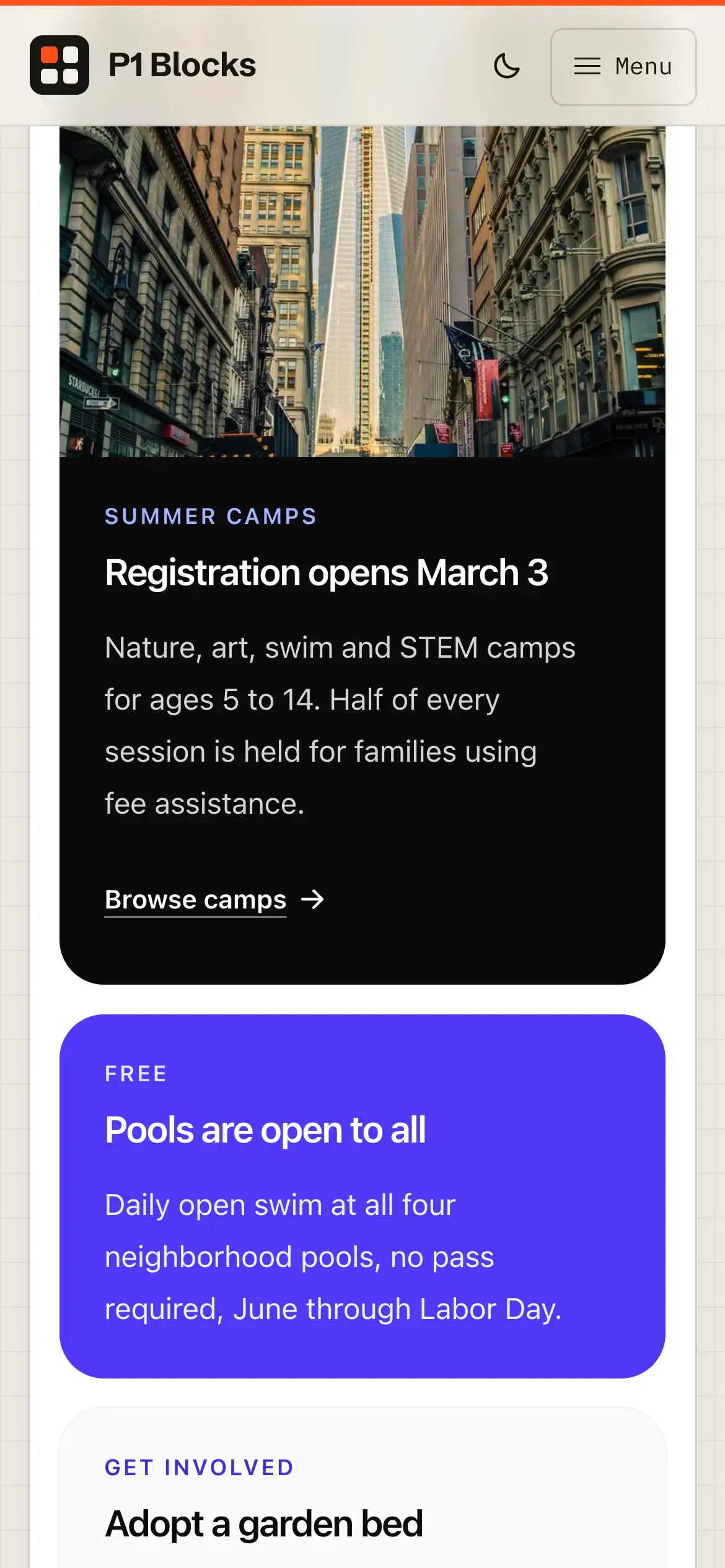
Mobile Bento Grid tiles continued, with a dark summer camps card and a bright “Pools are open to all” card.
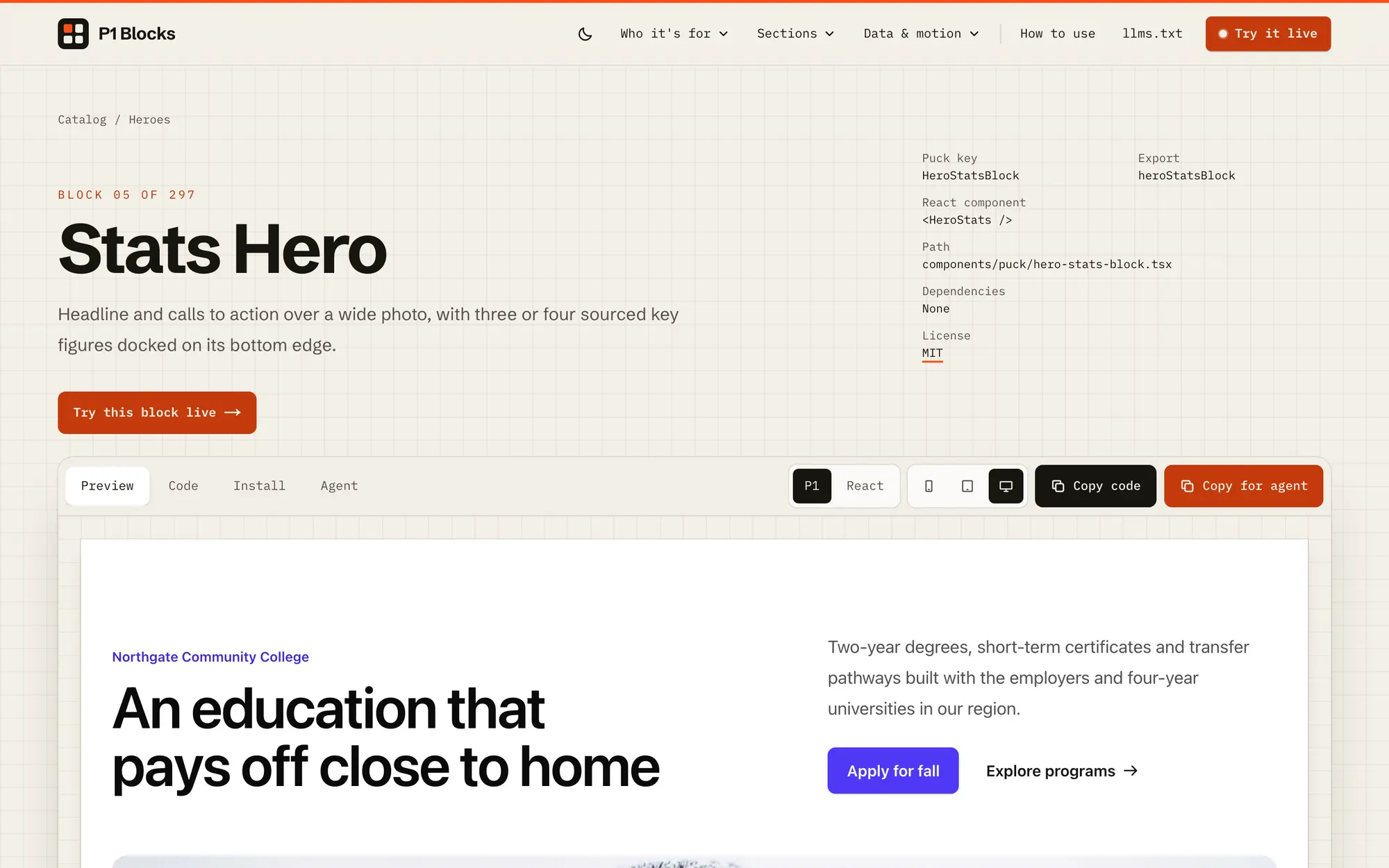
Desktop block page for the Stats Hero, “Headline and calls to action over a wide photo,” above a live community-college preview.
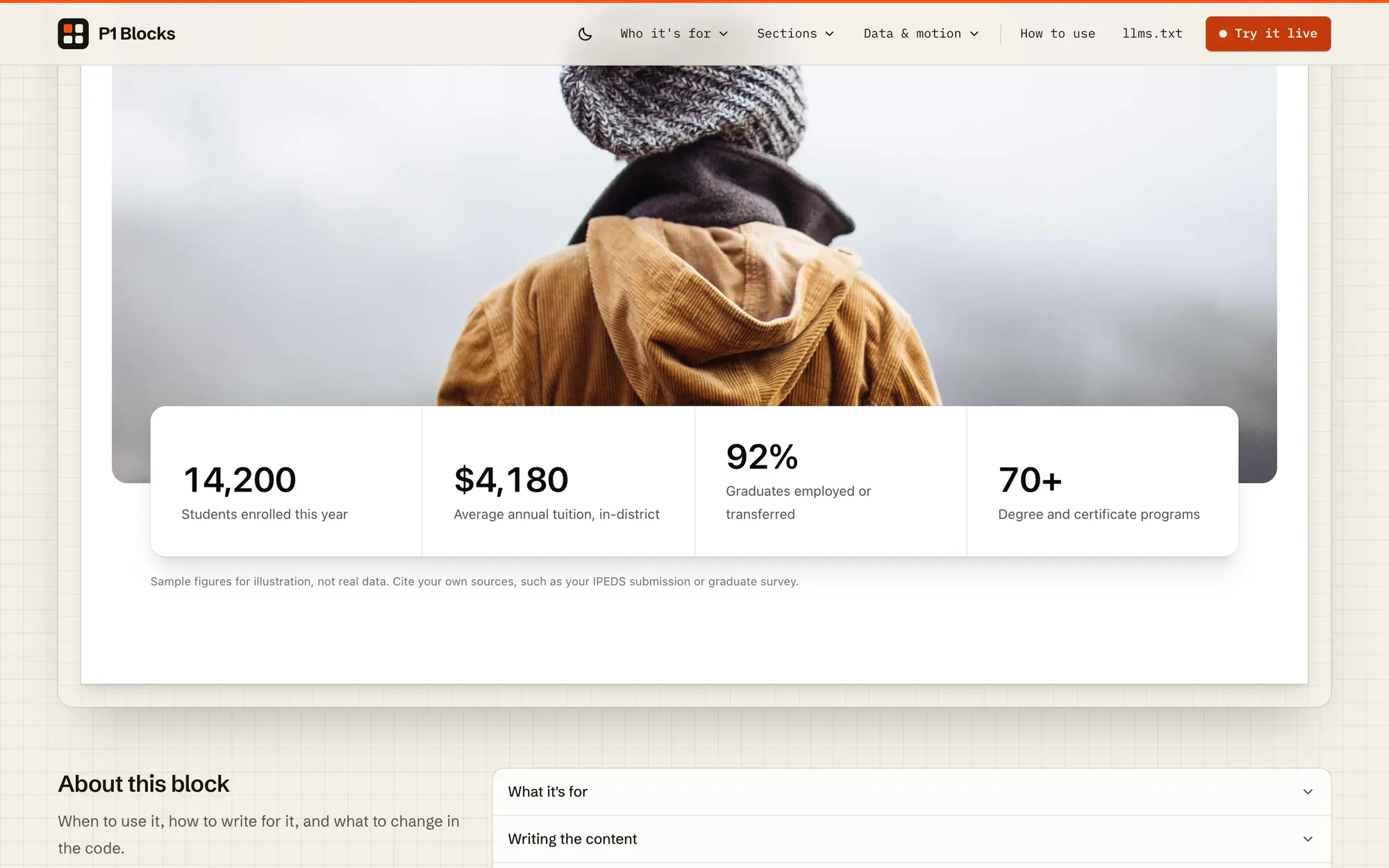
Desktop Stats Hero preview with four key figures docked on the photo’s bottom edge, above the block’s About this block notes.
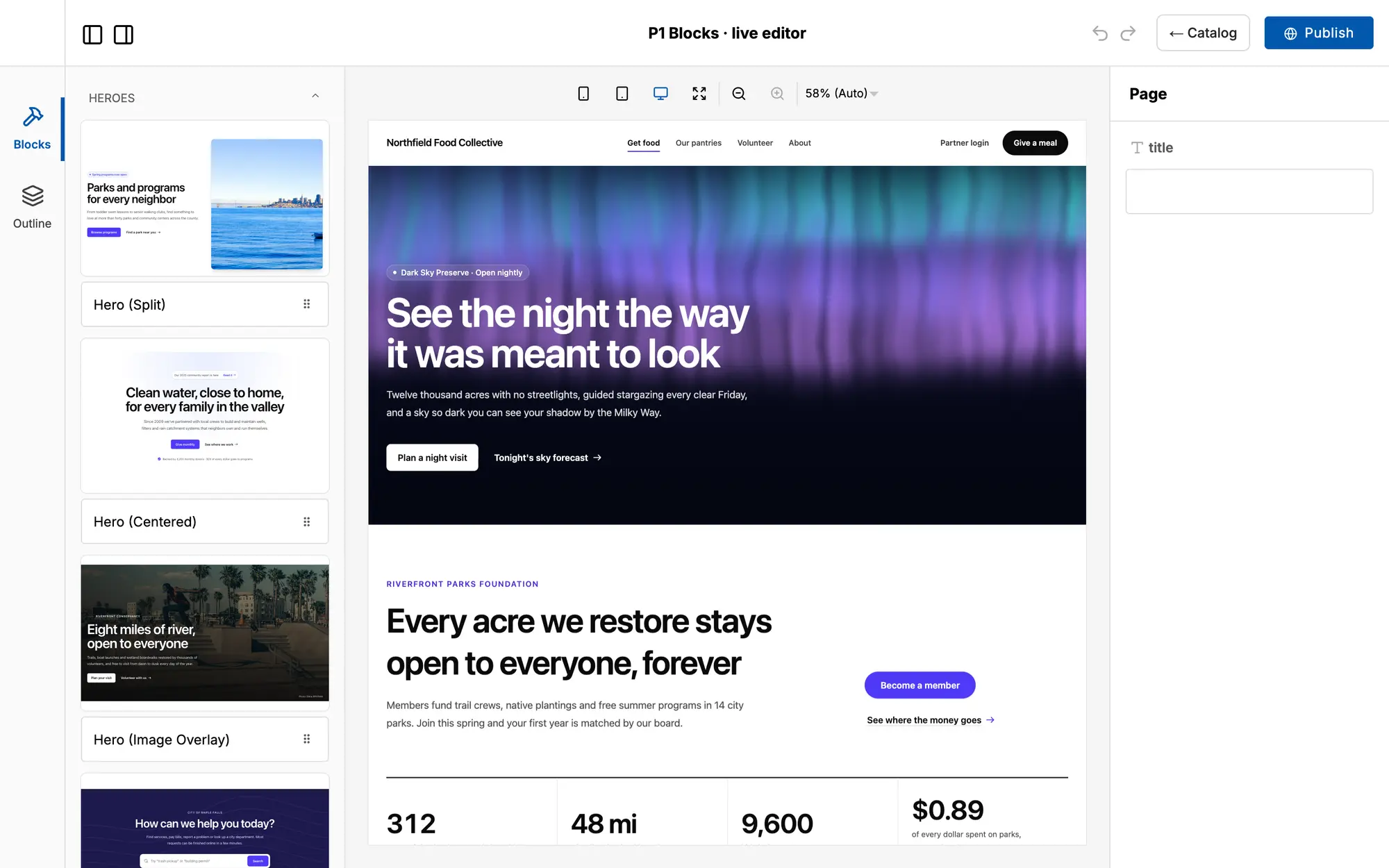
Desktop Puck live editor, where selecting the Aurora Hero and then the CTA with Stats block opens each one’s editable fields in the sidebar.
Mobile menu opening a full index of all 297 blocks by audience, section type and data & motion category.
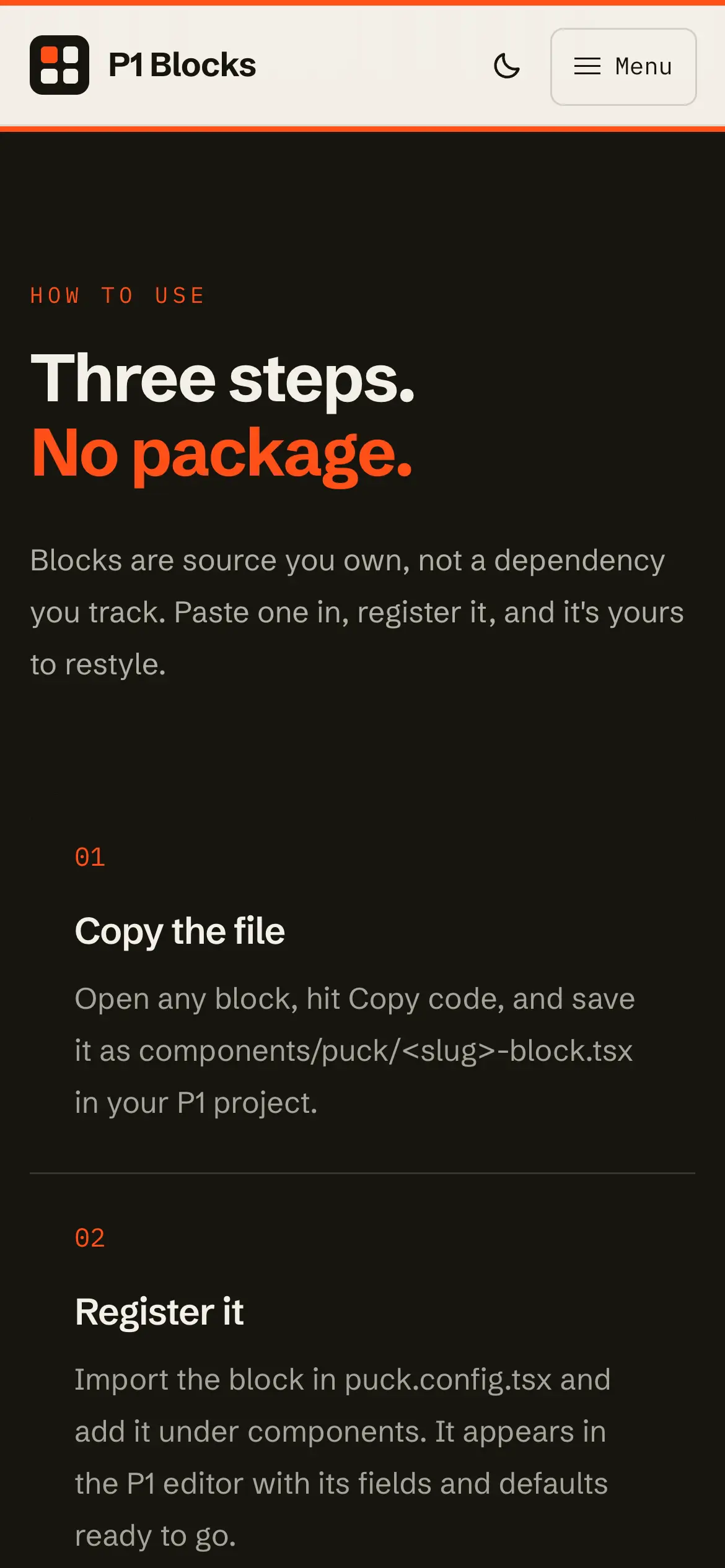
Mobile how-to-use section, “Three steps. No package.,” explaining copy the file and register it, with plain React for projects off P1.
Mobile agent call to action noting that every block ships with a ready-made agent brief and the whole catalog is at /llms.txt.
Desktop Puck live editor with the block library on the left, a page built from P1 Blocks in the center and a Publish button.
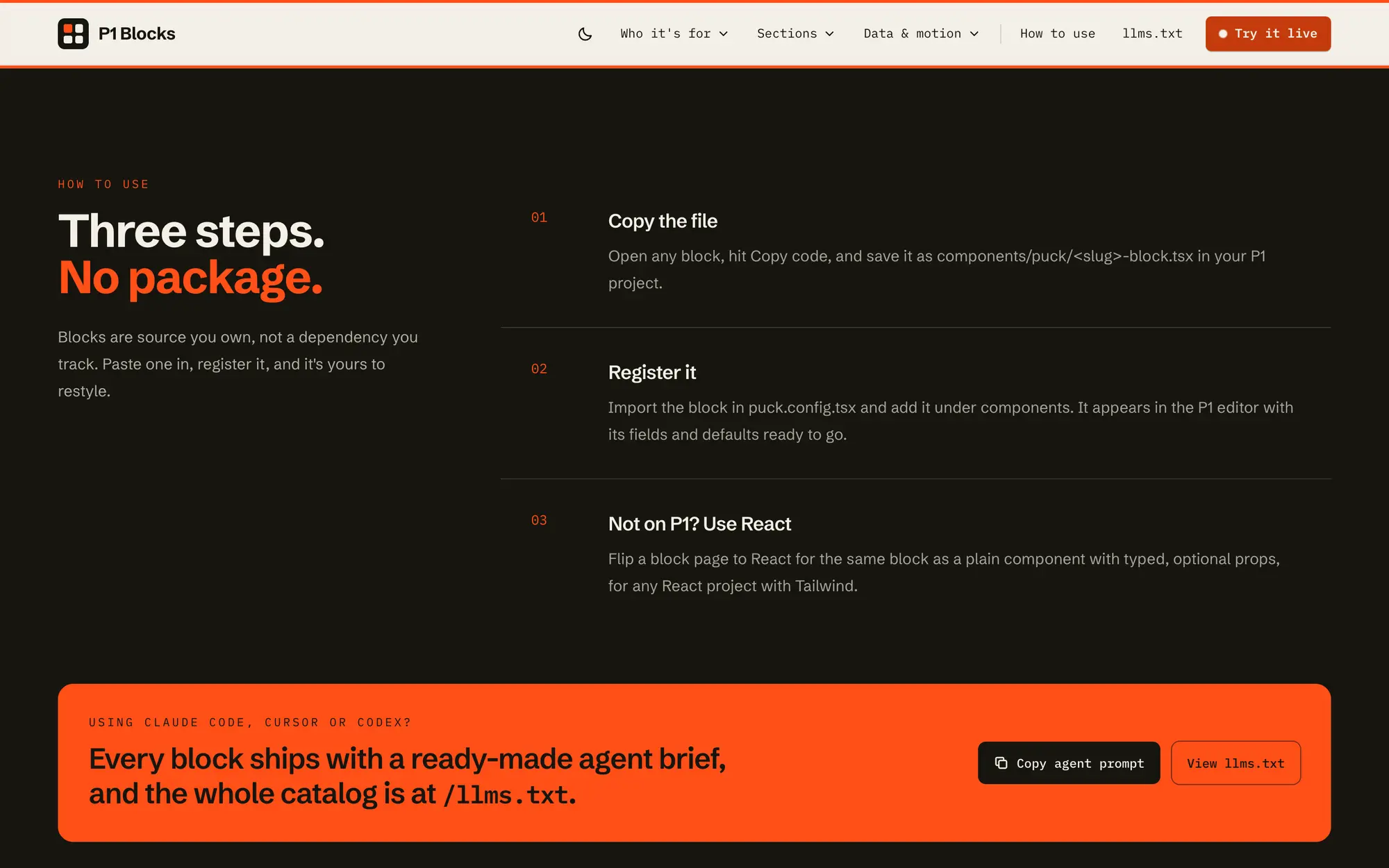
Desktop how-to-use section, “Three steps. No package.,” above an orange band pointing coding agents to /llms.txt.

Next project

Alliant International University
Start a projectLouisville, Kentucky · Monday to Friday, 9 to 5

Tell us what
isn’t working.

No pitch deck. Just an honest conversation.Rather talk? Call 502.653.5977